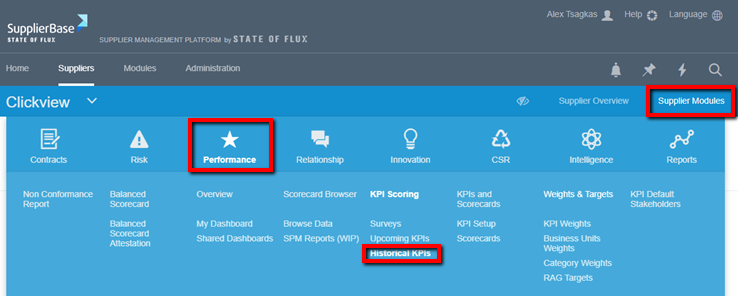
Users, with the appropriate permissions to view and edit KPI scores that have been submitted, have the ability to access the KPI Historical page.
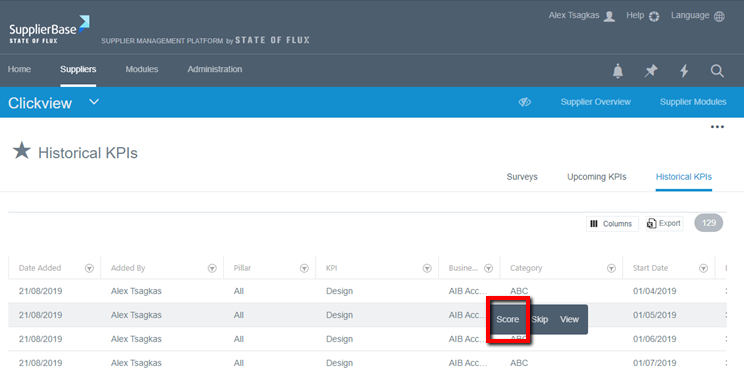
Similarly to scoring KPIs, editing submitted KPI scores is done by click on the Score button next to a KPI in the Historical KPIs page
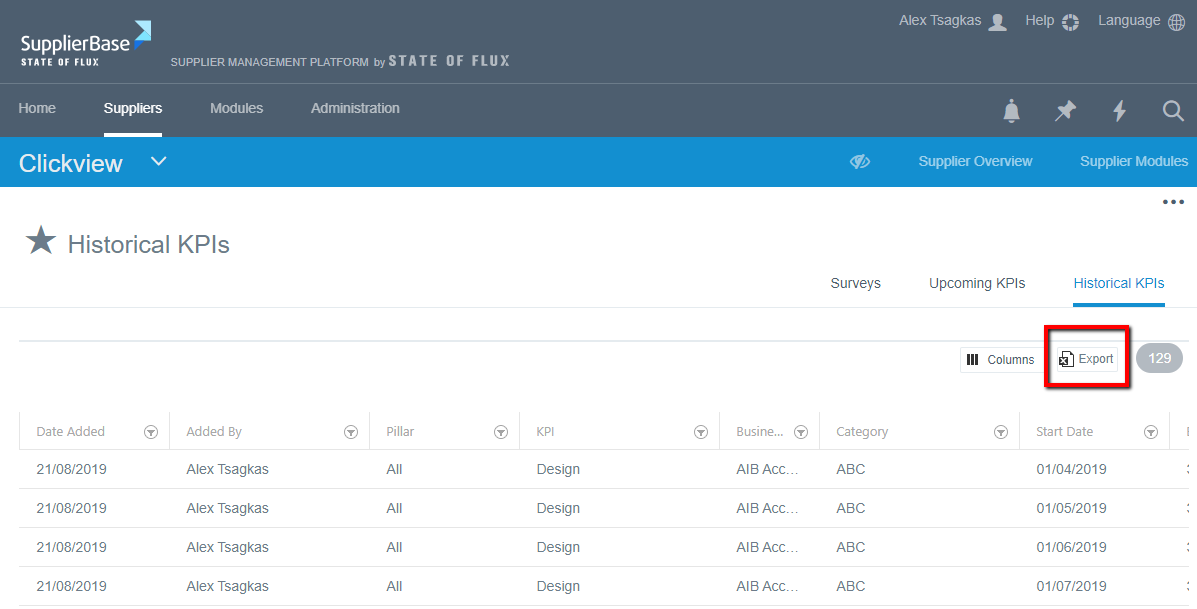
Users can export all or selected KPIs by clicking on the Export button on the top-right corner of the grid.