
IMPORTANT NOTE: This page is available only to system administrators.
In the Performance Module, system administrators can view in one page all the KPIs of the platform that are due for scoring or overdue. 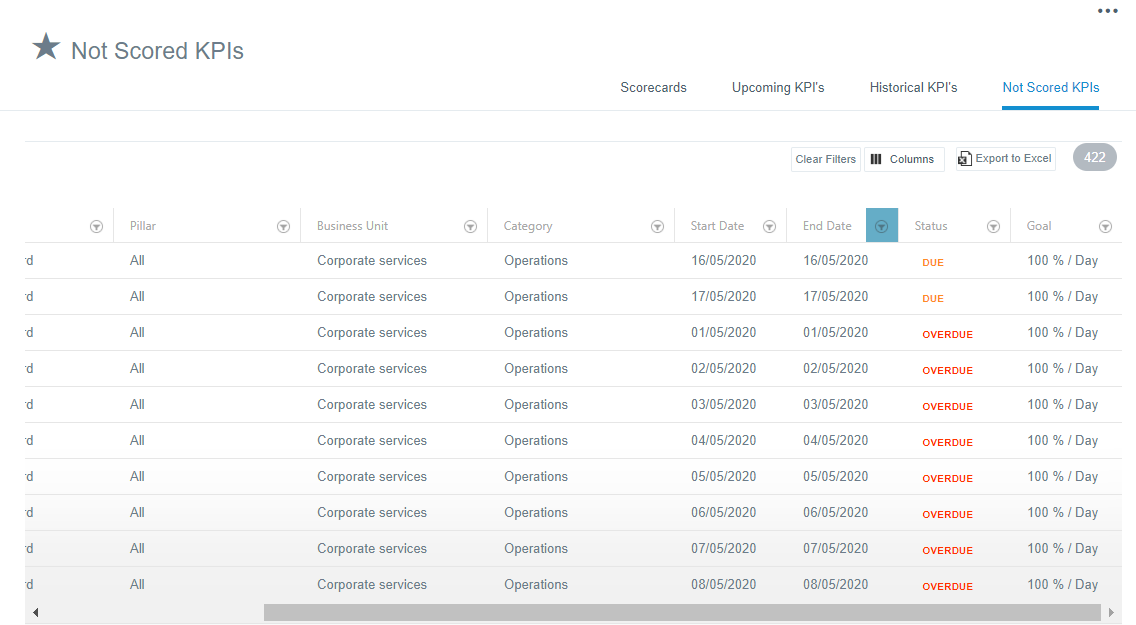
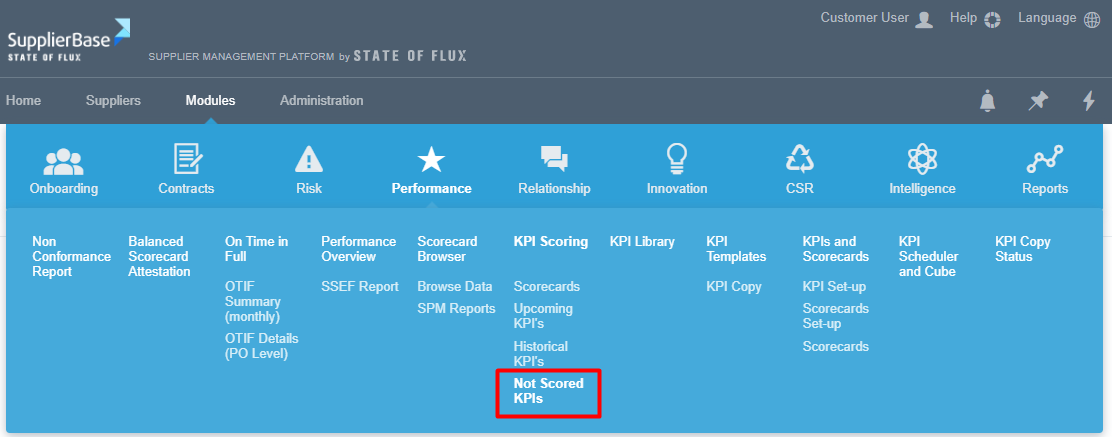
This page is available in the module level, in Modules > Performance > Not Scored KPIs page.
In this page, users can trigger reminders to the KPI owners who are responsible for scoring the KPIs.
In order to do that, users have to:
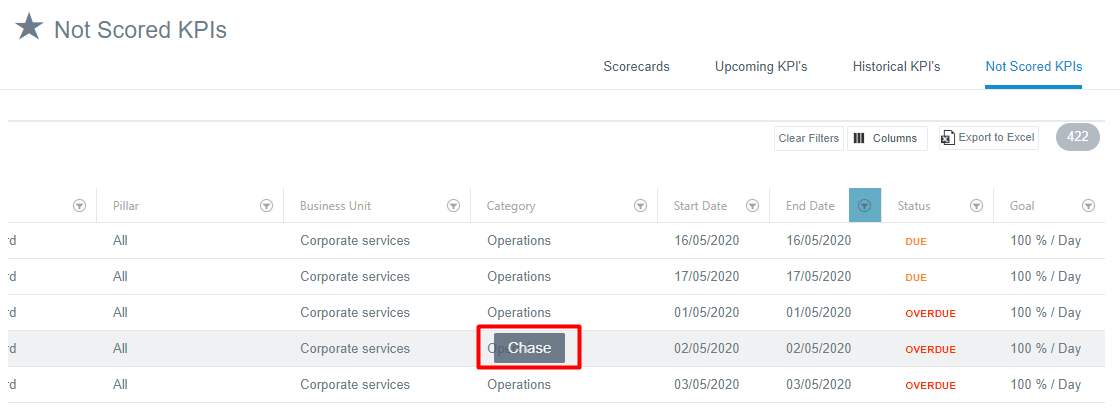
- Hover over a KPI.
- Click the Chase button that appears.
When they click the button, the window below pops up.
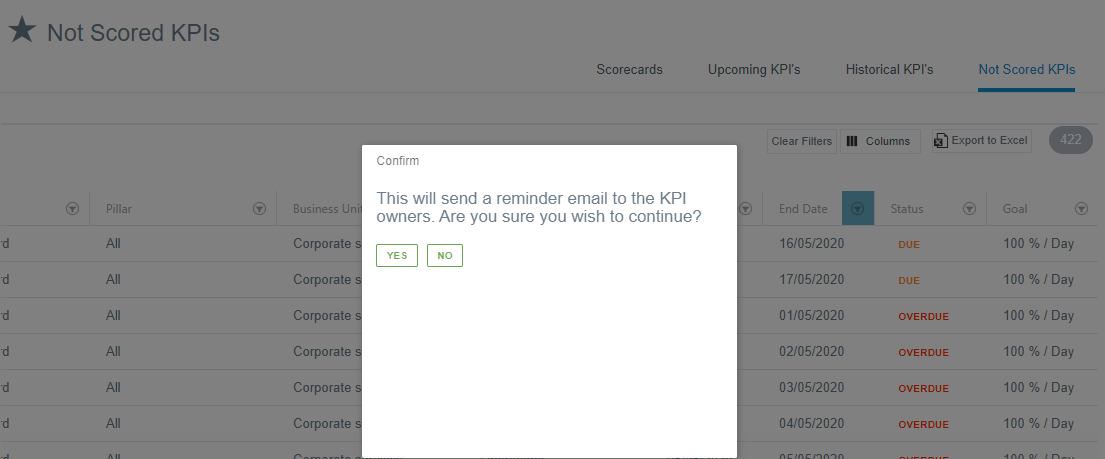
If users select Yes, an email will be sent to the KPI owners reminding them to login to the platform and score the KPI.