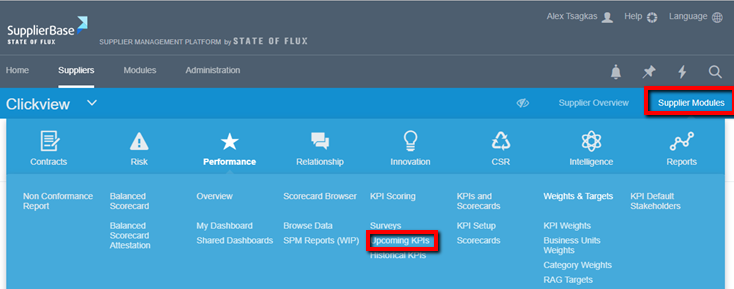
Users are able to view the details and score their allocated KPIs from a few pages in the platform.
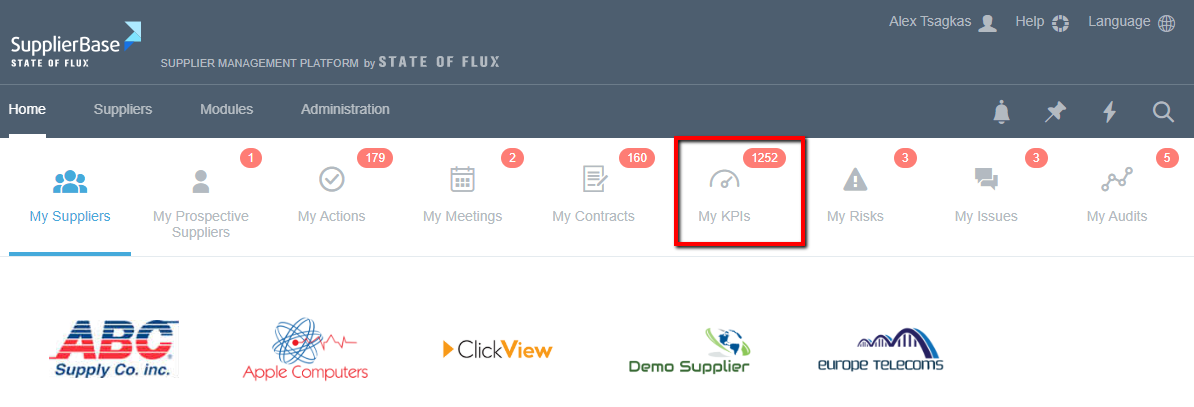
From the homepage:
At the homepage > My KPIs page, users can view and score the overdue KPIs across multiple suppliers.
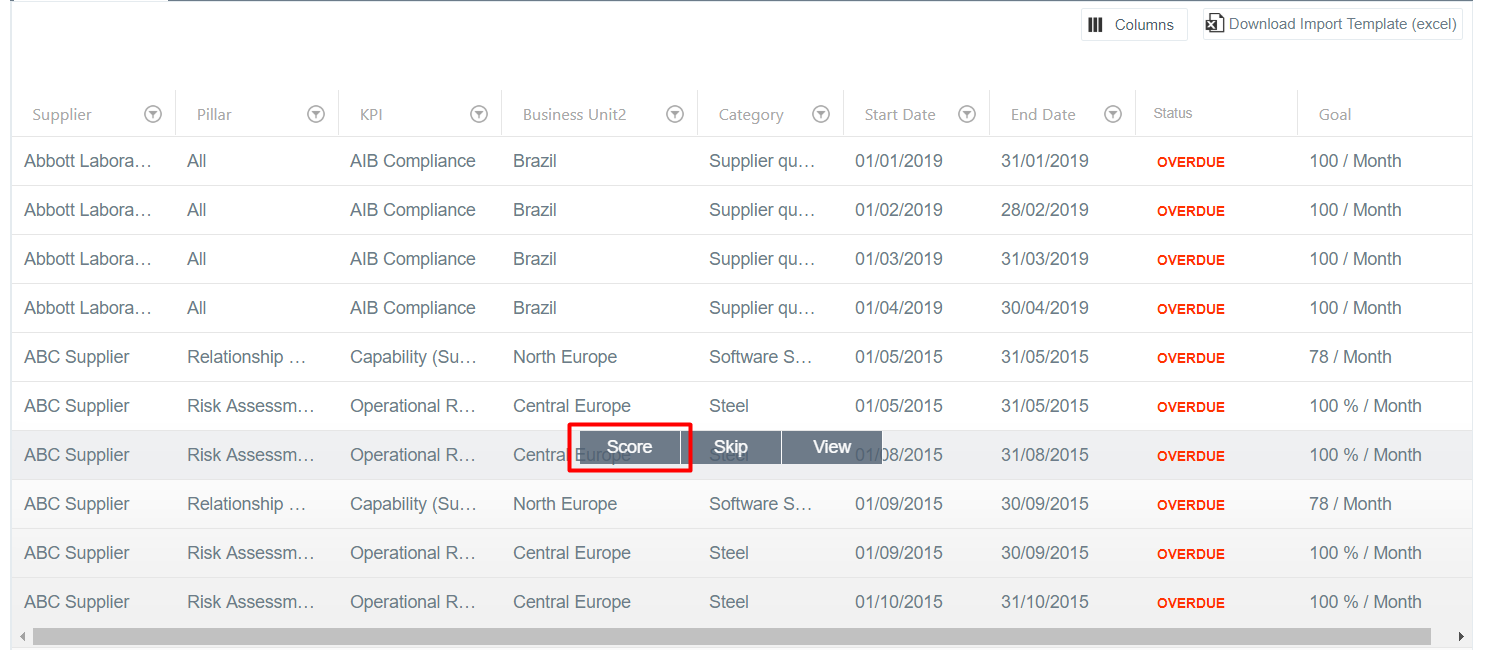
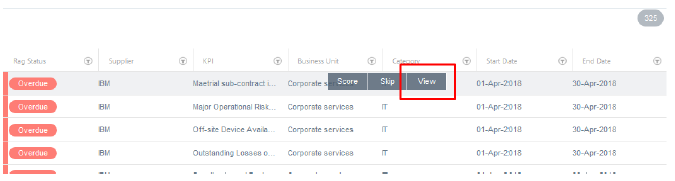
To score their KPIs, users can click on the My KPIs grid and select Score.
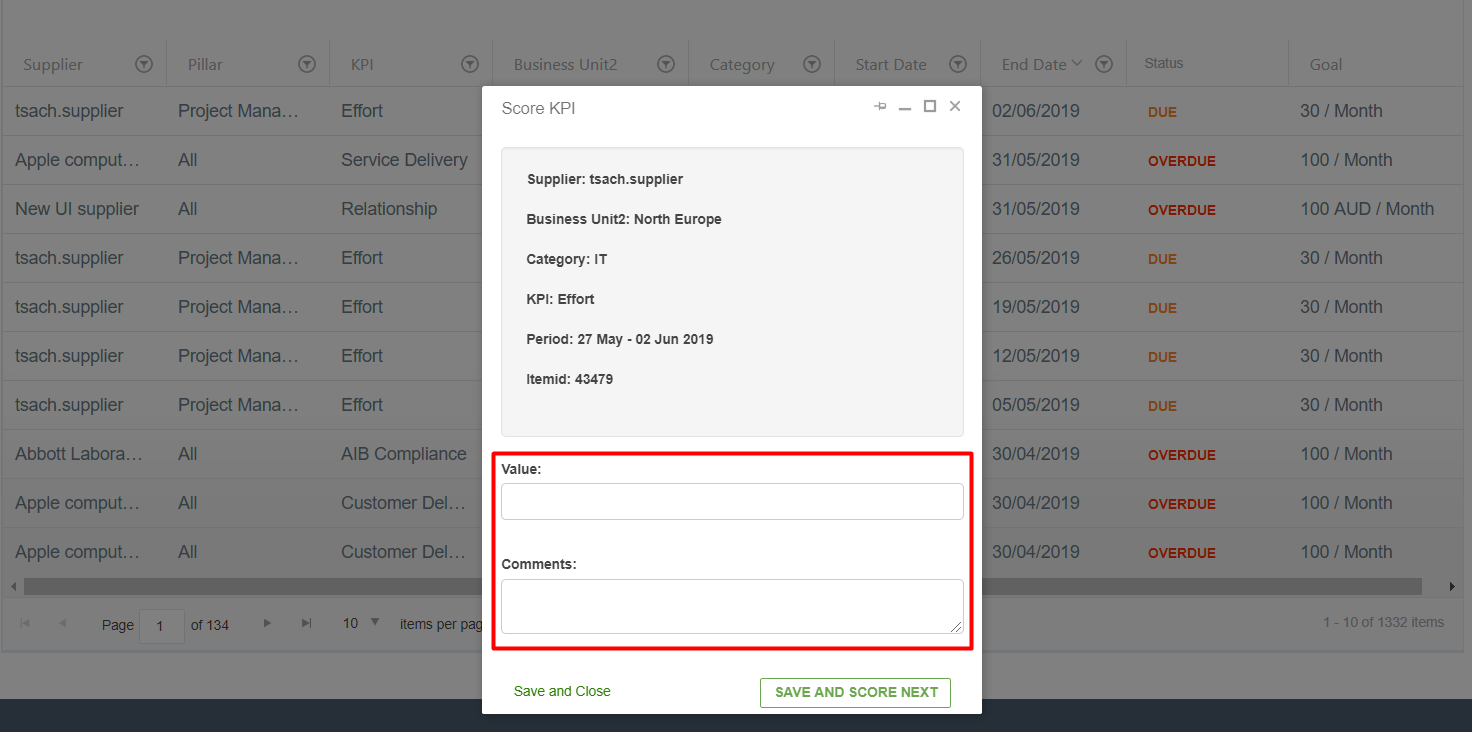
When users click on Score, a pop-up window is loaded which shows some details about the KPI and allows users to submit a score (and optionally a comment) for a KPI.
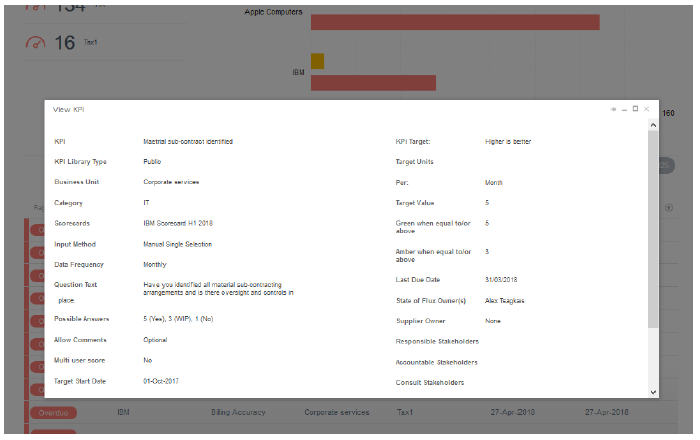
Users can view the details of the KPIs (e.g. target, description, frequency, red / amber / green thresholds) by clicking view next to a KPI.
This will display a pop-up window with the KPI details.
The same KPI scoring process can be followed from the following pages too.
From the Supplier Overview > Overdue KPIs page:
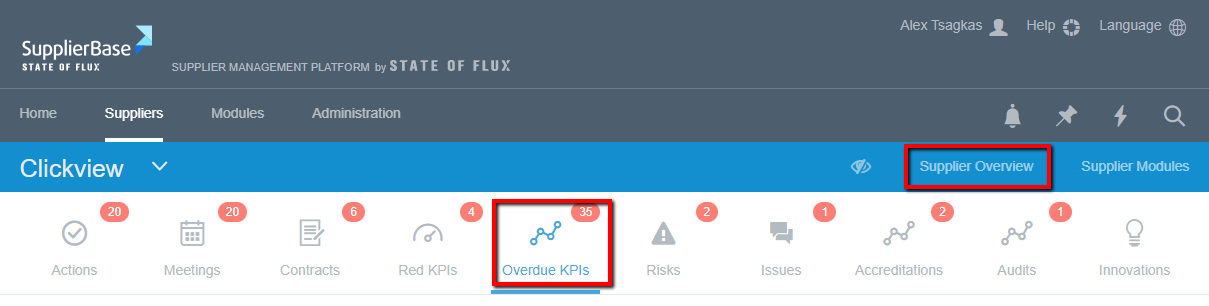
At the Supplier Overview > Overdue KPIs page, users can view and score the overdue KPIs for a particular supplier.
From the Supplier Modules > Performance > Upcoming KPIs page:
At the Supplier Modules > Performance > Upcoming KPIs page, users can view and score the overdue and due KPIs for a particular supplier.