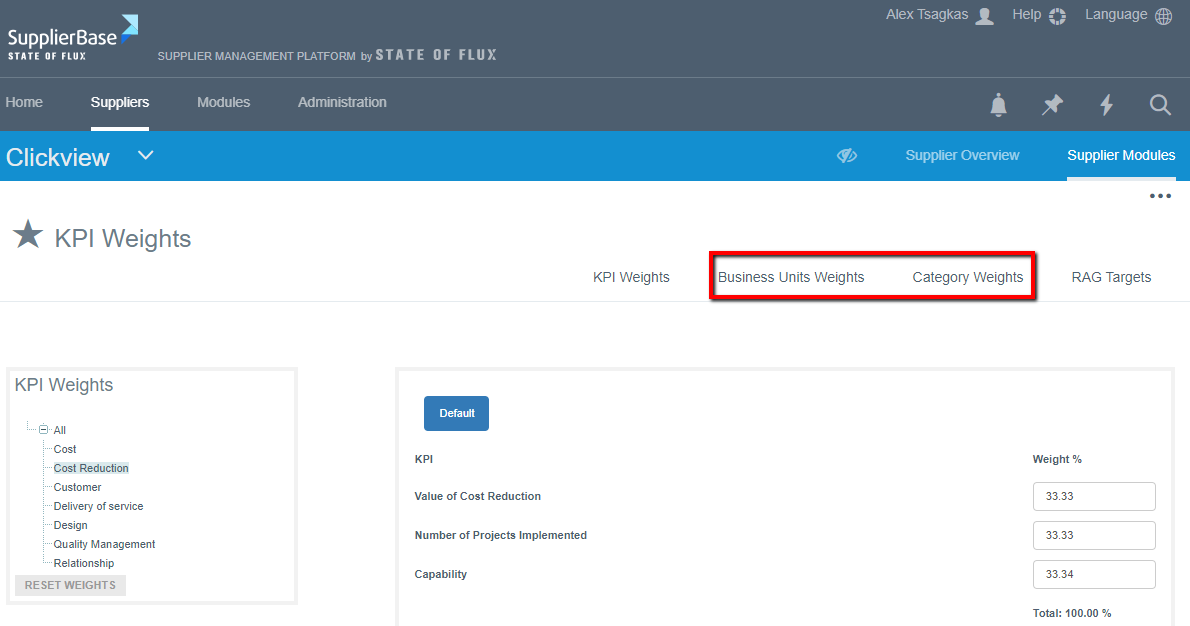
At the Supplier Modules > Performance > Weights page, users can view the KPIs belonging to that particular supplier (therefore these weight settings only apply to one supplier).
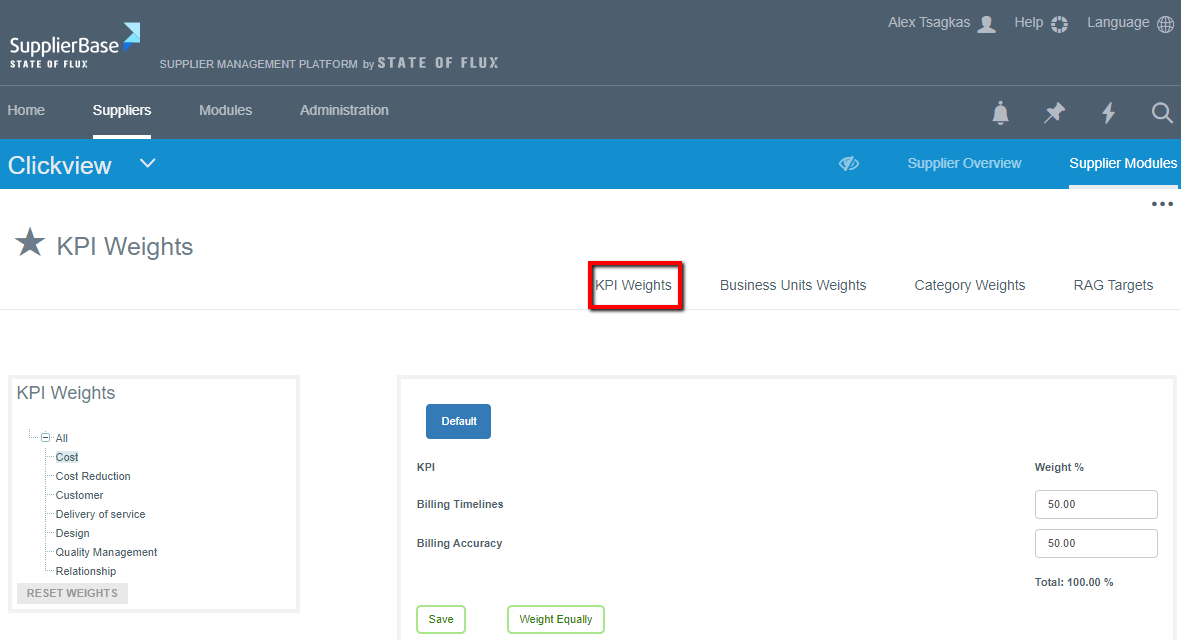
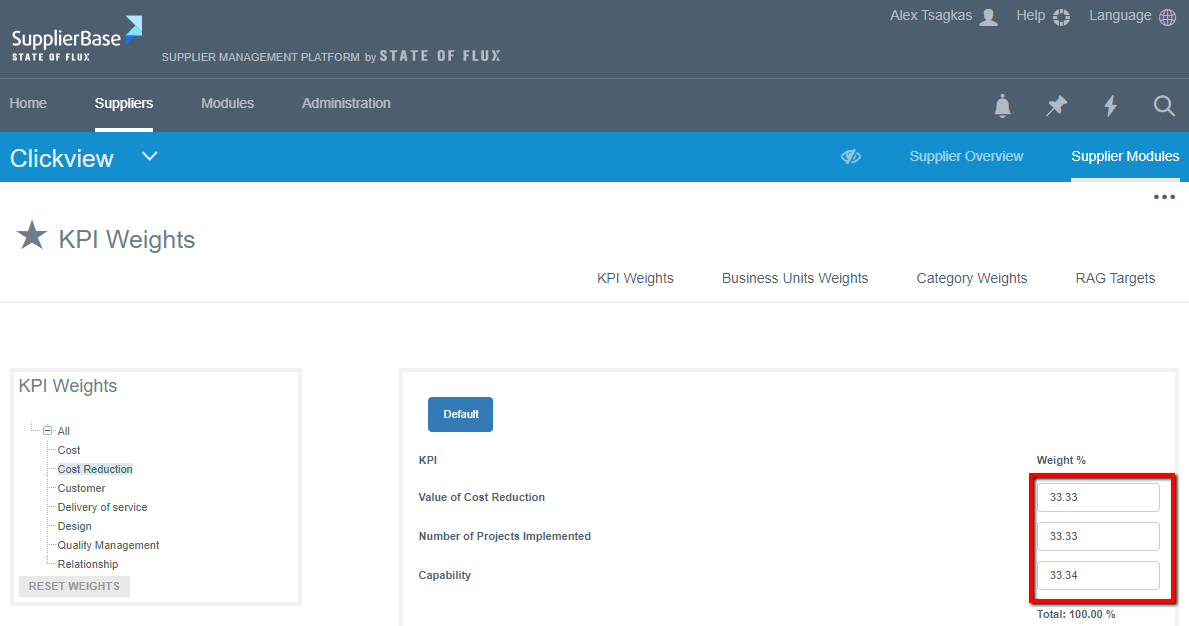
By clicking on the appropriate KPI, users can assign weights to these KPIs by entering a value on the right side of the page.
In addition to weighing KPIs, users must also weigh the Business Unit/ Region and Category dimensions. By clicking through to the Business unit and Category tabs.