
The platform provides users with the ability to add amendments or related documents to a contract. Select a contract and click on the view (eye) icon.
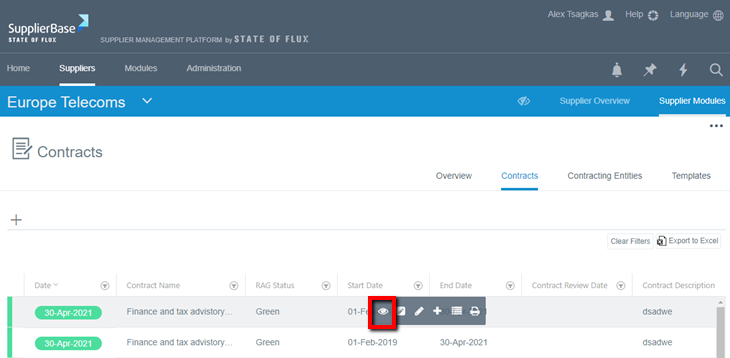
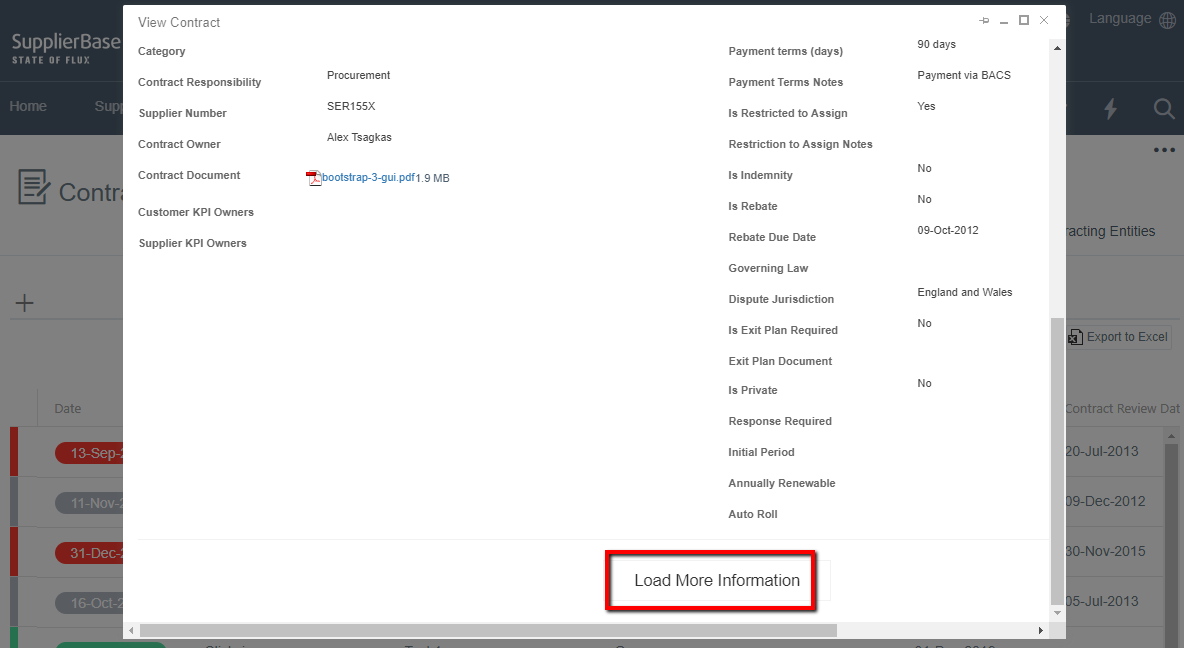
When you click on the eye icon, a pop-up window will be loaded and it will include the detailed information about a contract. If you scroll down you will see that there is a 'Load more information' button.
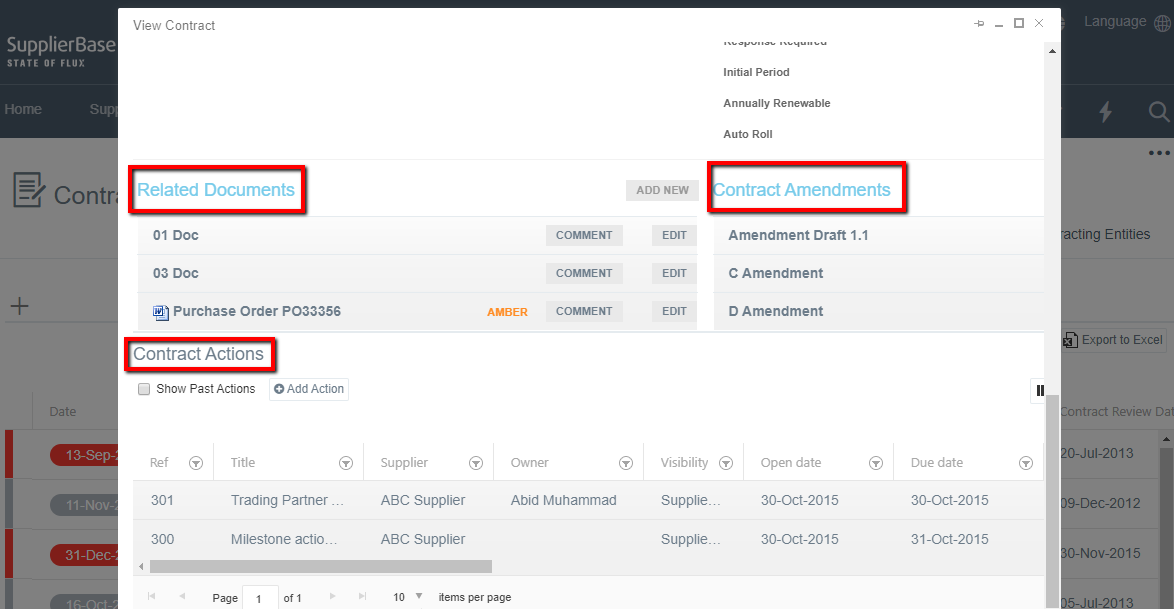
When you click on the Load More Information button, the window expands and it shows two (2) document repositories: Related Documents and Contract Amendments (PDF only), and an actions area.
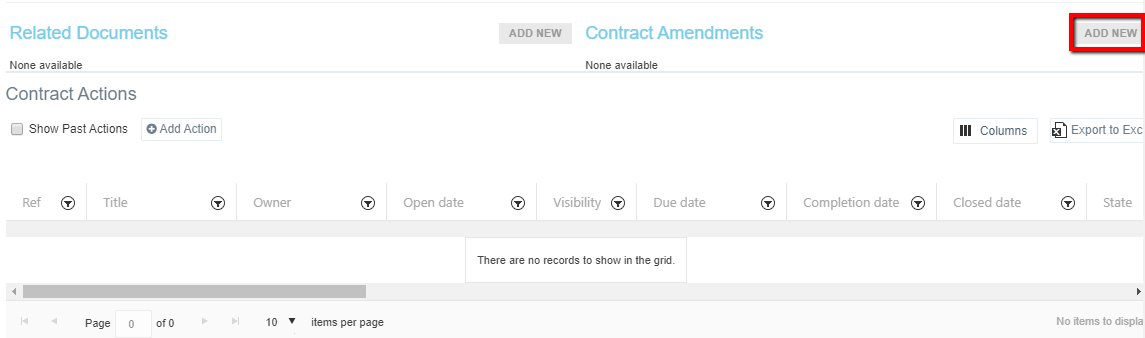
Click on the Add New buttons to select and upload a file at any of the two document areas.
The following window pops up.
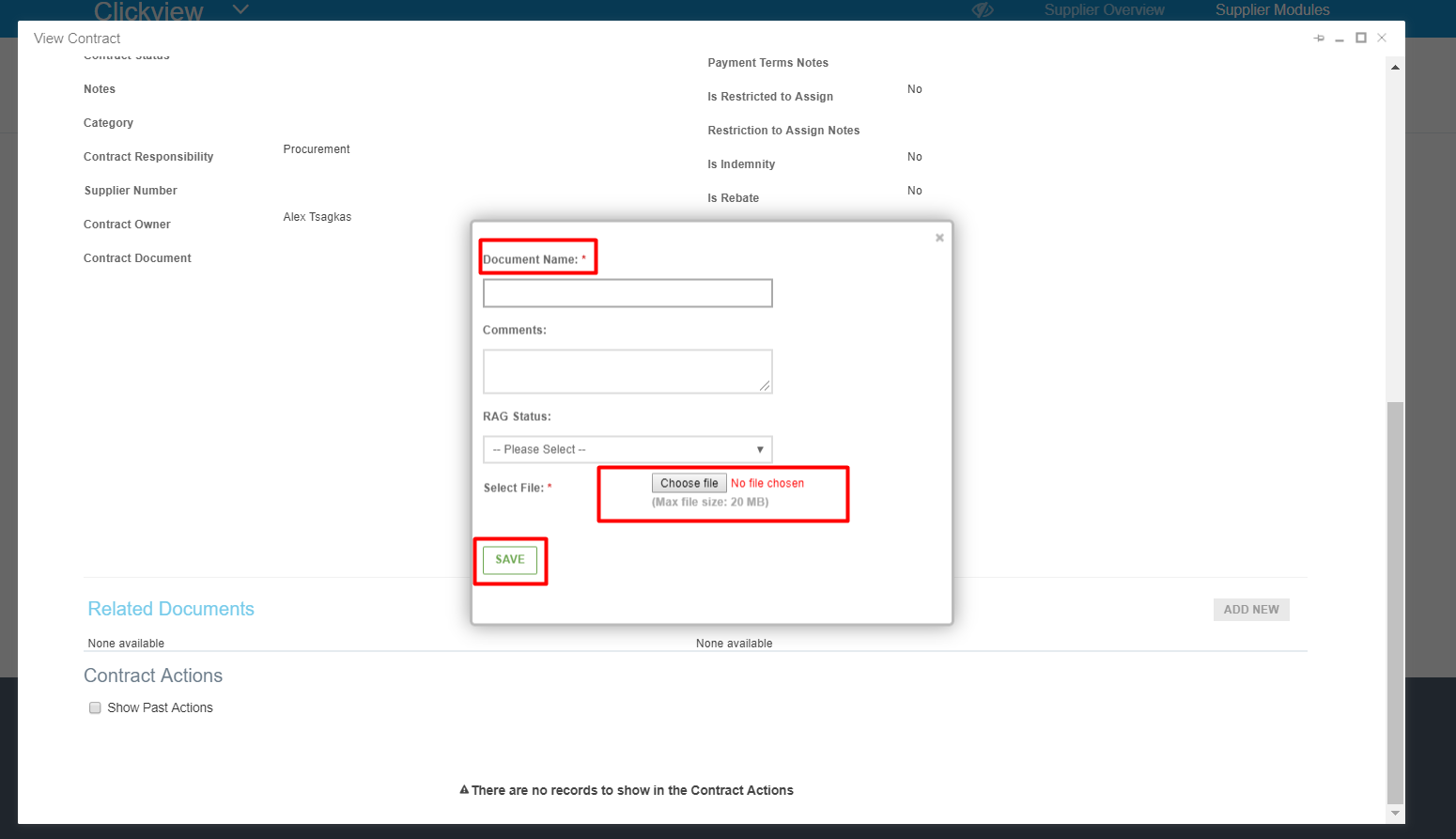
Type a name for the document, upload the file and click the Save button.