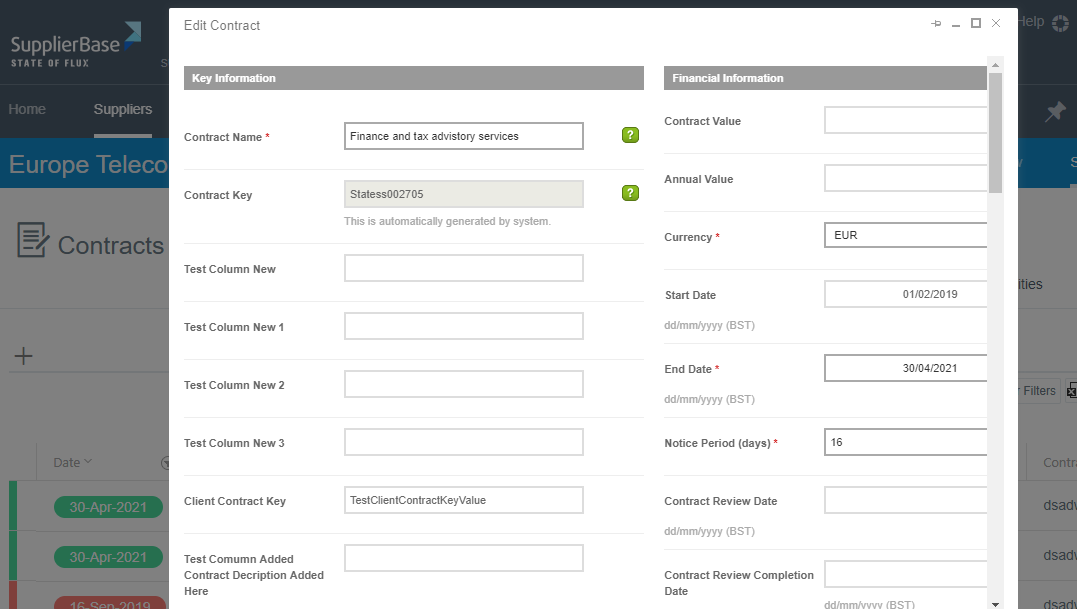
Contracts can be edited from the main contracts pages at the module and supplier level:
- Modules > Contract > Contracts
- Supplier Modules > Contract > Contracts
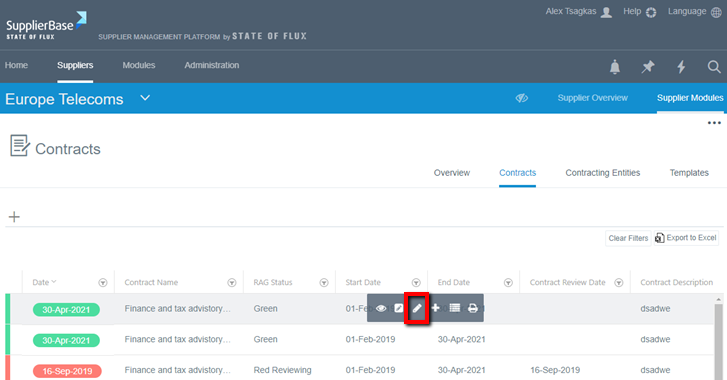
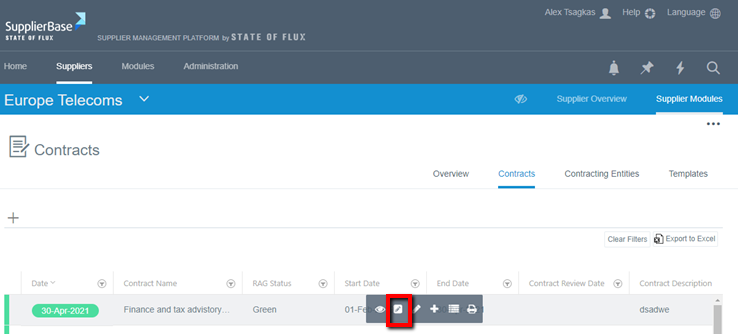
To edit a contract, click on a contract in the grid. A number of options will appear in a pop-up toolbar, including full-edit (small pencil) and quick-edit (large pencil).
Option 1 (quick – edit): Click on the quick-edit button.
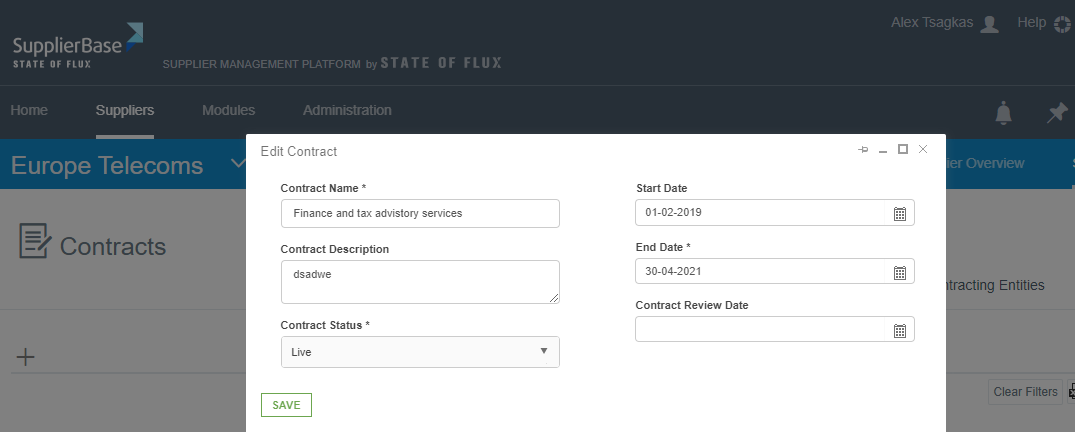
This opens an Edit Contract pop-up window, which allows you to see only some of the most important contract details and edit them, as shown below.
Option 2 (full-edit): Click on the full-edit button.
This opens a fully-detailed contract page, as shown below, in which you can edit all the details of the contract.