From all contract grids in the platform, users can view the full details of a contract.
Click on a contract and a pop-up toolbar will be displayed. Then click on the 'eye' icon in order to view contract details.
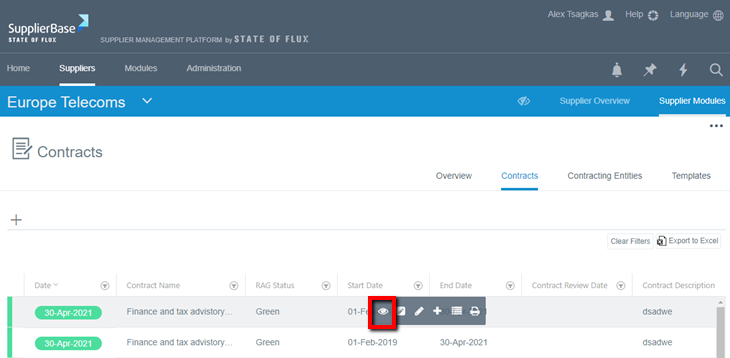
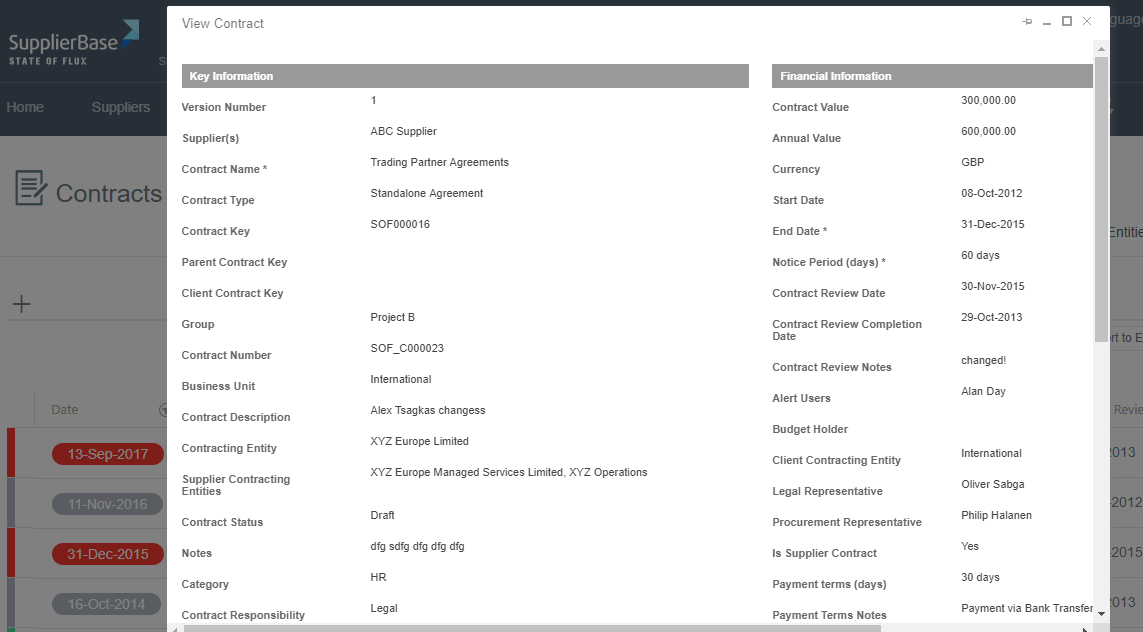
Once you click the eye icon, a pop-up window will be displayed in which you can view the full details of a contract.
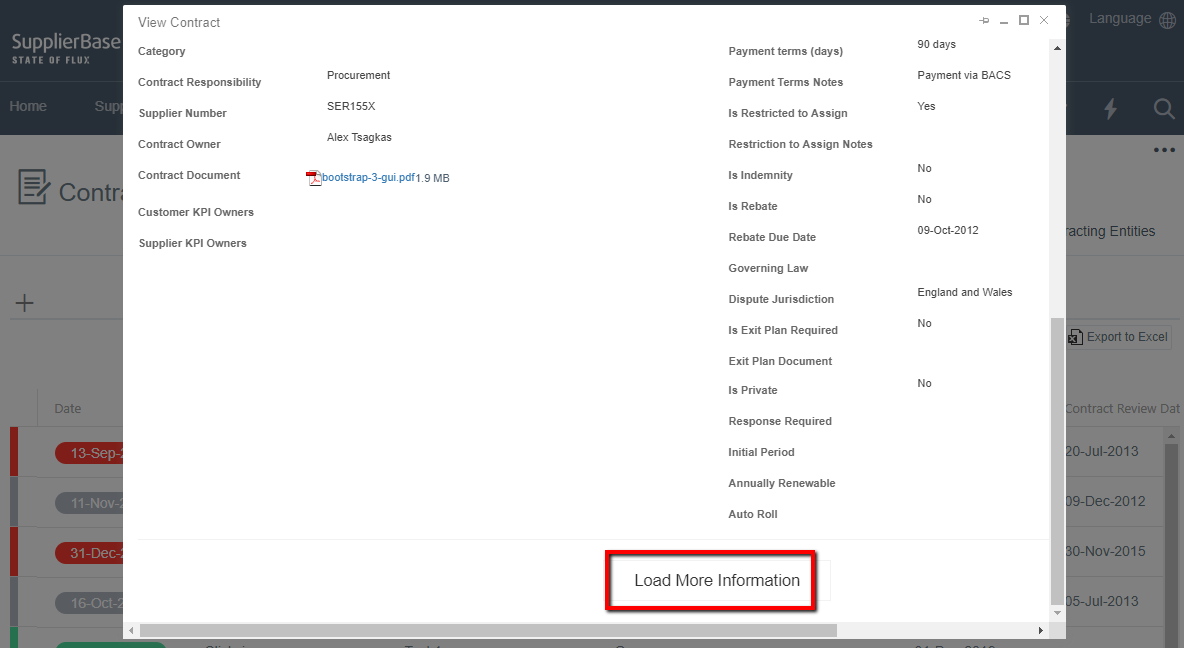
At the bottom of the contract view form, click on the Load More Information button.
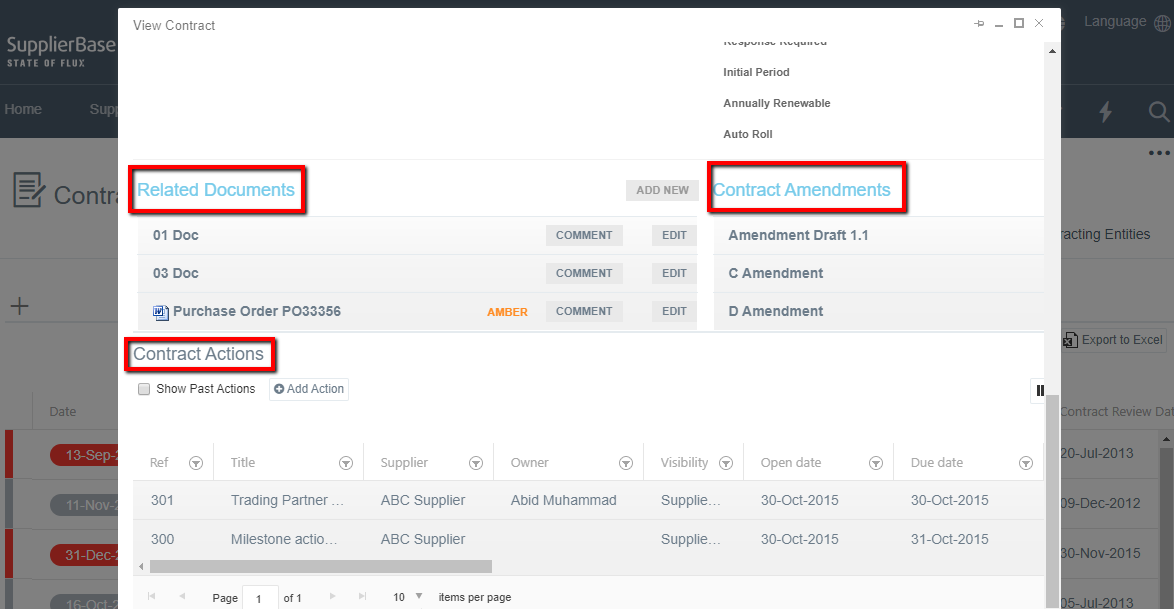
The window will then load more information about the contract, specifically:
- Contract Amendments
- Related Documents
- Actions