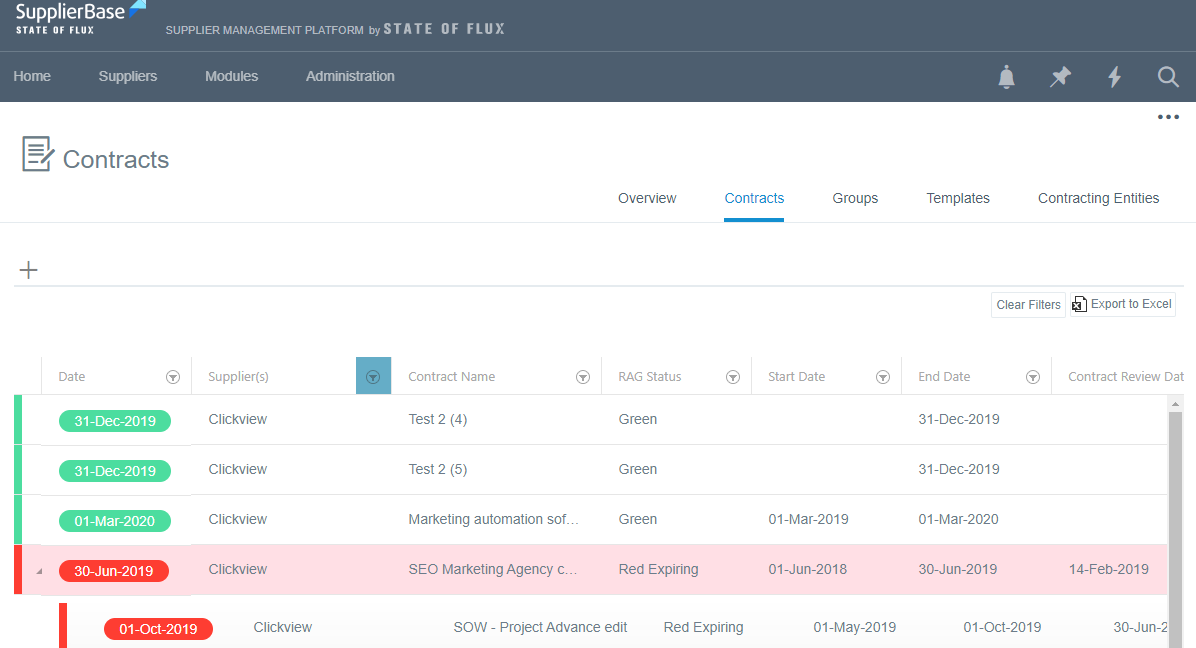
The platform supports multiple levels of contracts and therefore provides users with the ability to create parent - child relationships e.g. create a framework agreement and link a statement of work or work order as child to the framework agreement.
From the Modules > Contract > Contracts and / or Supplier Modules > Contract > Contracts pages, users can click on a contract, and a pop-up toolbar will be displayed. To add a child contract, you can click on the + icon (if you hover over this icon, you will see that the message Add Child appears).
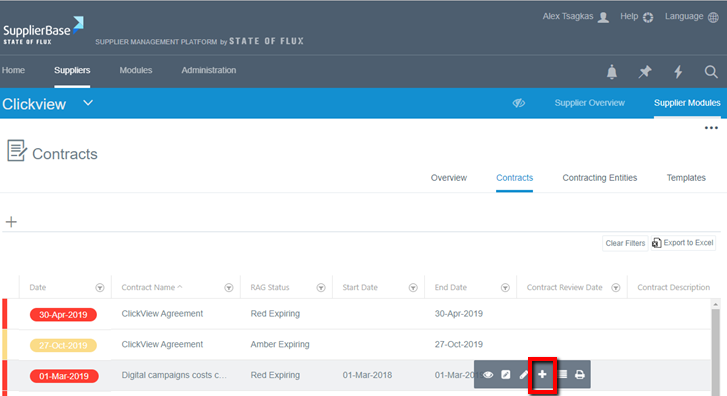
This option gives you the functionality to add a Child Contract under an existing contract. This means that the contracts are linked with a parent / child relationship.
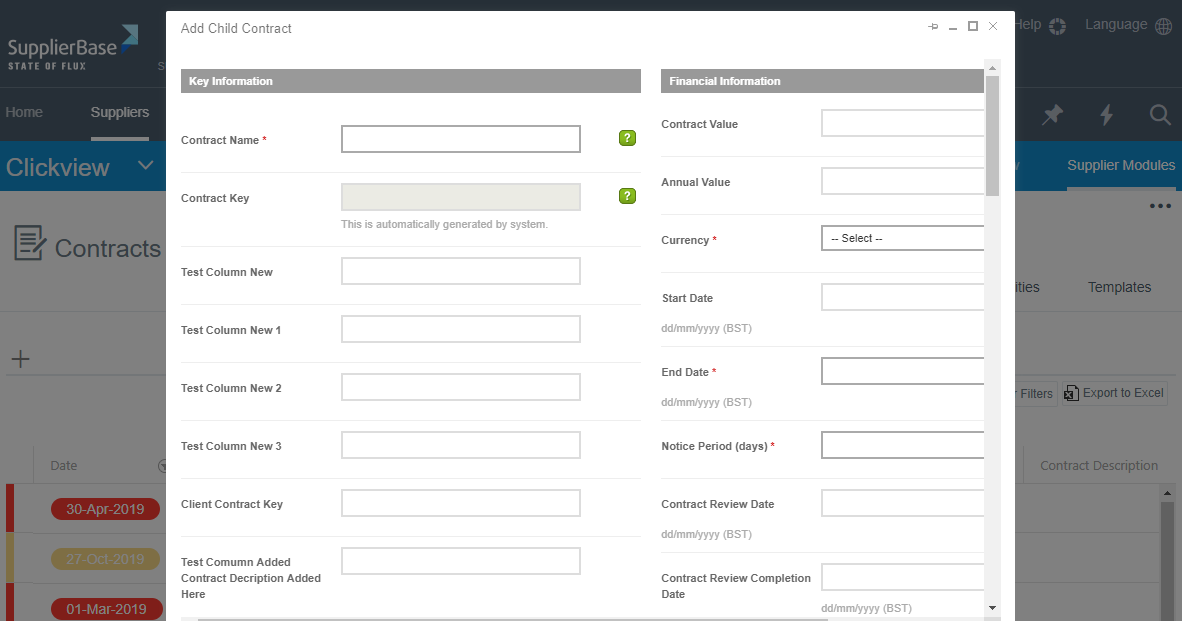
Once you click the + button, the Add Child Contract form appears, in which the user can complete the mandatory fields and then click the Save button.
The child contract will be created and it will be displayed below the parent contract.