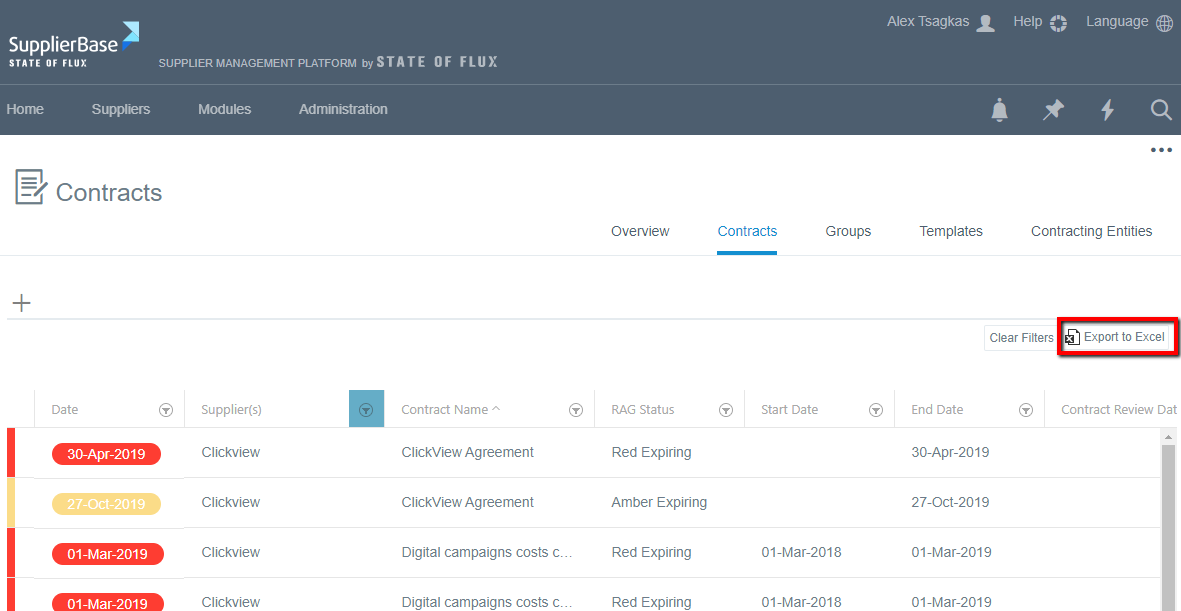
If you want to search for contracts, you can utilise the filters in the contracts grid to apply multiple search criteria.
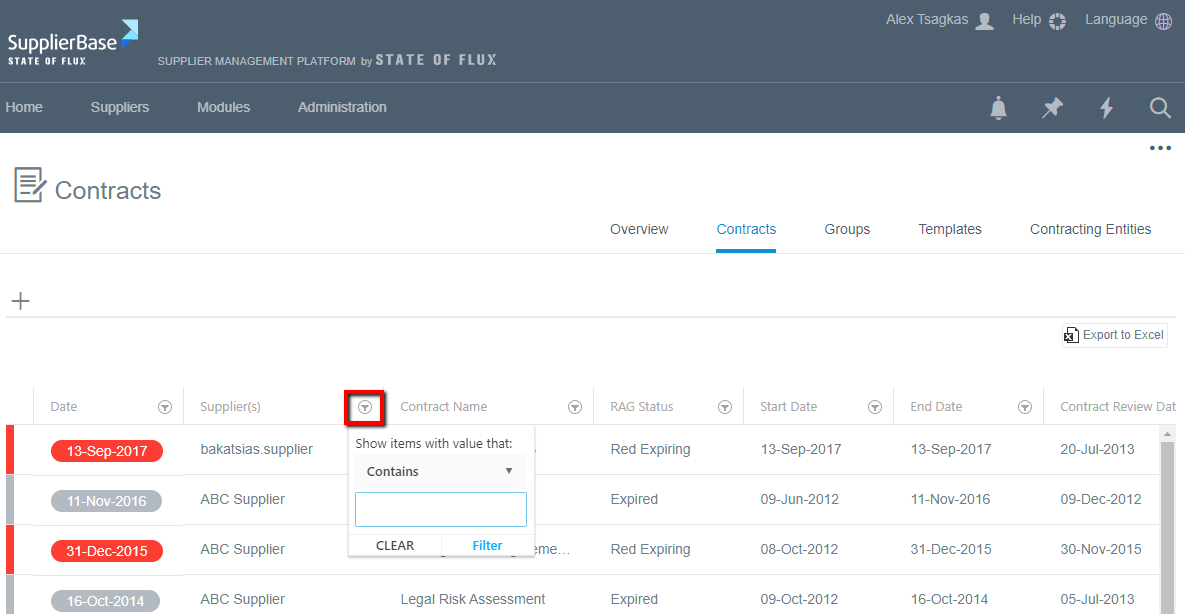
As shown below, next to all columns there is a filter symbol which when clicked, it provides users with the ability to filter the contracts in the grid. You can use multiple filters simultaneously to apply multiple search criteria.
If a column has filtering enabled, it is highlighted in blue.
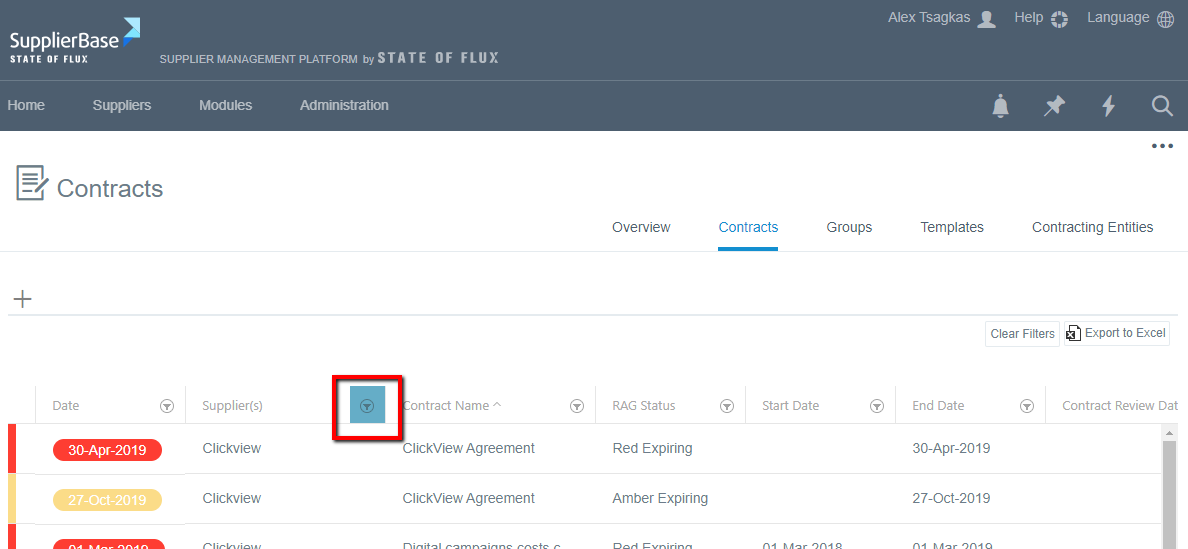
Please note that the filters you apply in the contracts grid will be saved in your account so that the filters will be maintained for the next time you access the contracts page (even after logout).
Also, the Export to Excel button will only export the filtered results in the contracts grid.