An action in SupplierBase can be created in more than one ways:
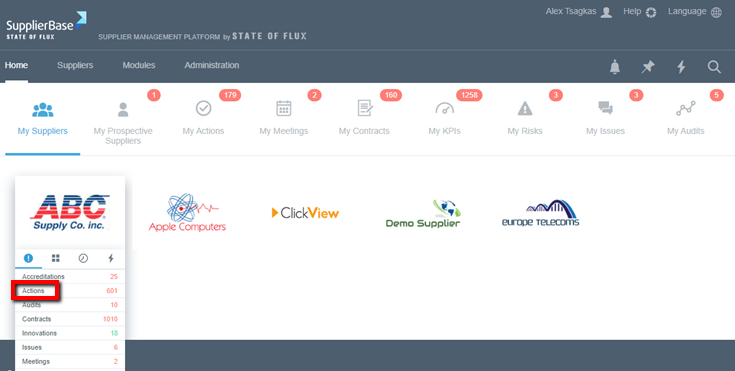
From the homepage:
1. From the homepage, hover over Suppliers, and select a supplier
2. Hover on the supplier name and/or logo and select the fourth tab
3. Click on Add action
4. Fill in the form
5. Click Save
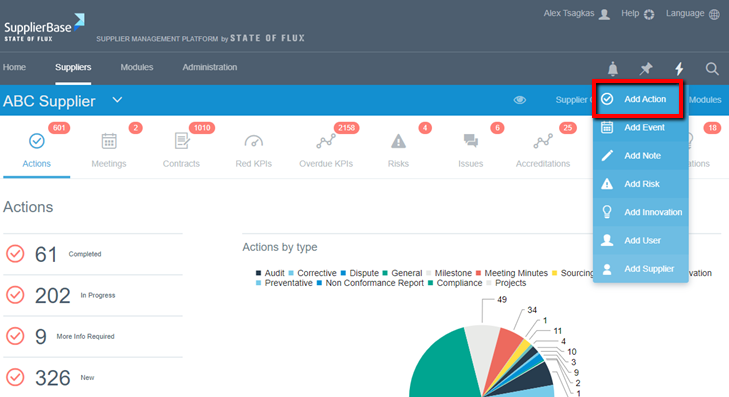
From all supplier pages:
1. At the top right of the page, click at the quick actions menu (lightning icon) and select Add Action.
2. Fill in the form
3. Click Save
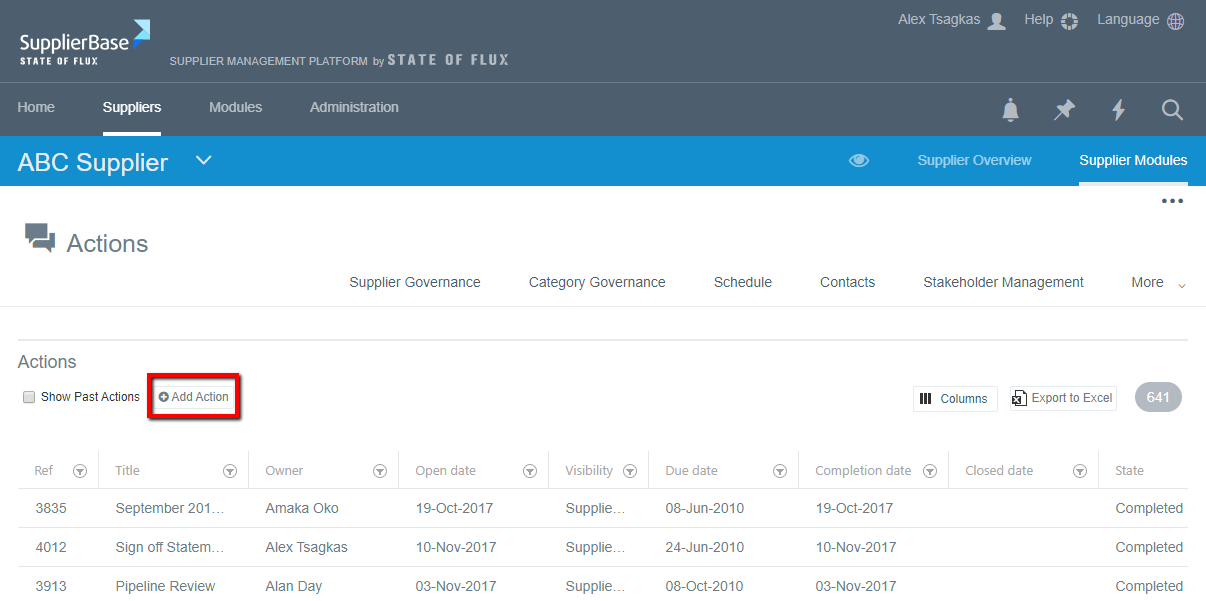
From the actions page:
1. Go to Supplier Modules > Relationship > Actions. Click on the Add Action button at the top-right of the grid
2. Fill in the form
3. Click on Save