In order to edit or view an action:
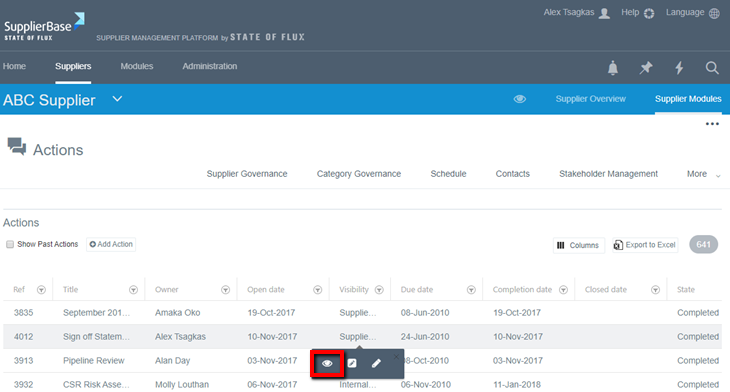
- Go to the Actions list either on the module level (Modules > Relationship > Actions) or in the supplier level (Supplier Modules > Relationship > Actions)
- Click on the actions grid and a number of options, including View (eye icon), will be available to view the action details in a pop-up window.
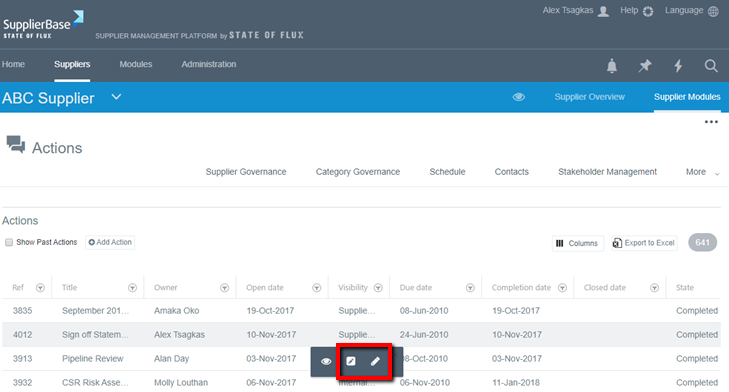
To edit an action:
Option 1: Click on the actions grid and a number of options, including edit (small pencil for quick-edit and large pencil for full-edit), will be available to edit the action details in a pop-up window.
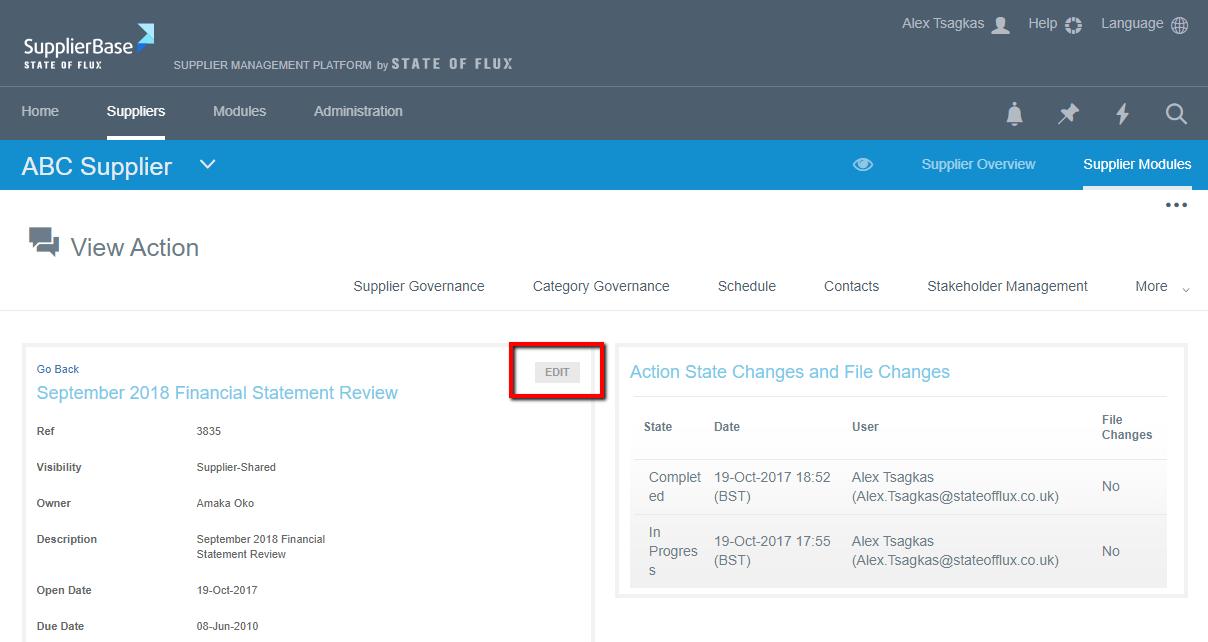
Option 2: Click on the title of any action, you will be taken to the Actions details page. Then click on the Edit button.