
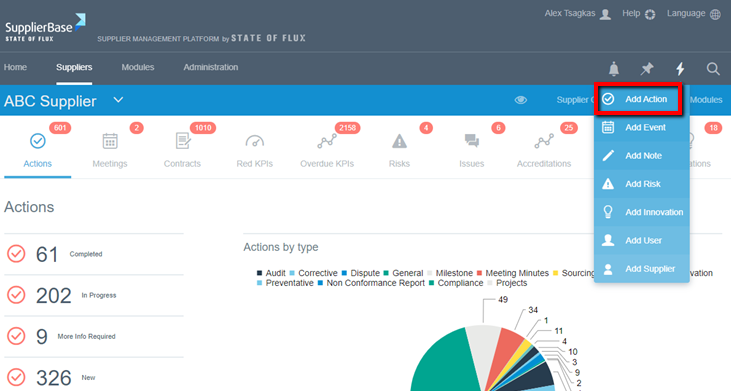
On the supplier level, at the right hand side of the screen, when clicking the lightning icon users have access to a task bar which can be used to add: an action, an event, a note, a risk, an innovation, request a new user or supplier to be onboarded.
 Note: Actions are linked to specific pages; therefore meeting actions should be logged whilst viewing the meeting in the Governance – Schedule page. It is within this page that meeting minutes, agendas and other supplementary documents can be attached.