
In order to edit a project, you have to go to the list of projects, click on the project you want and select the pencil button.
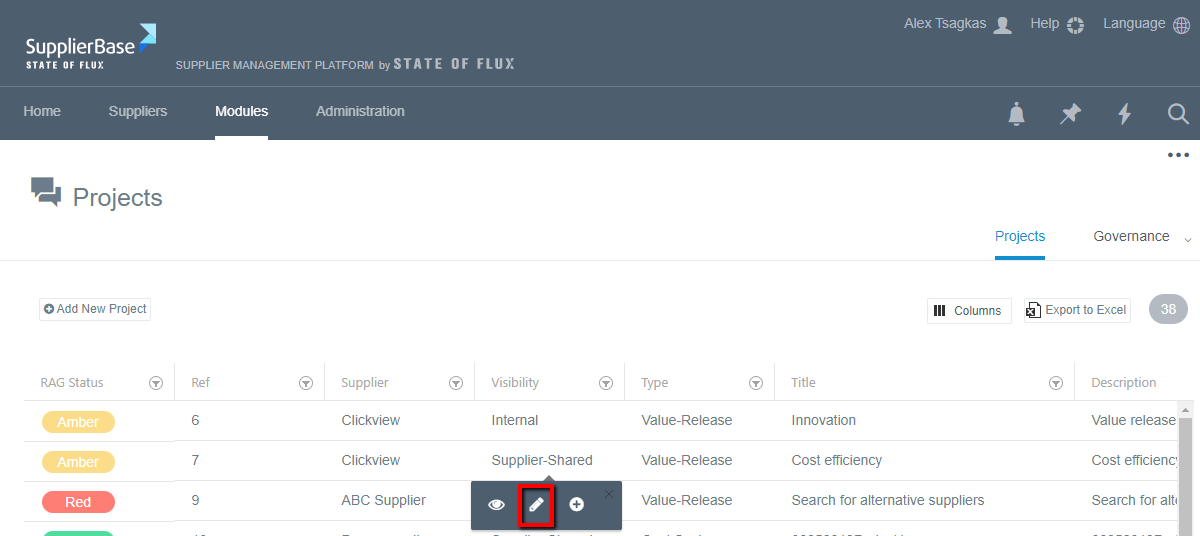
A pop up window will appear, with the details of the project.

In this window, you can do any changes you want, e.g. change the due date of the project, change its status, add more owners etc. After that, click the Save and close button and your changes to the project will be saved.