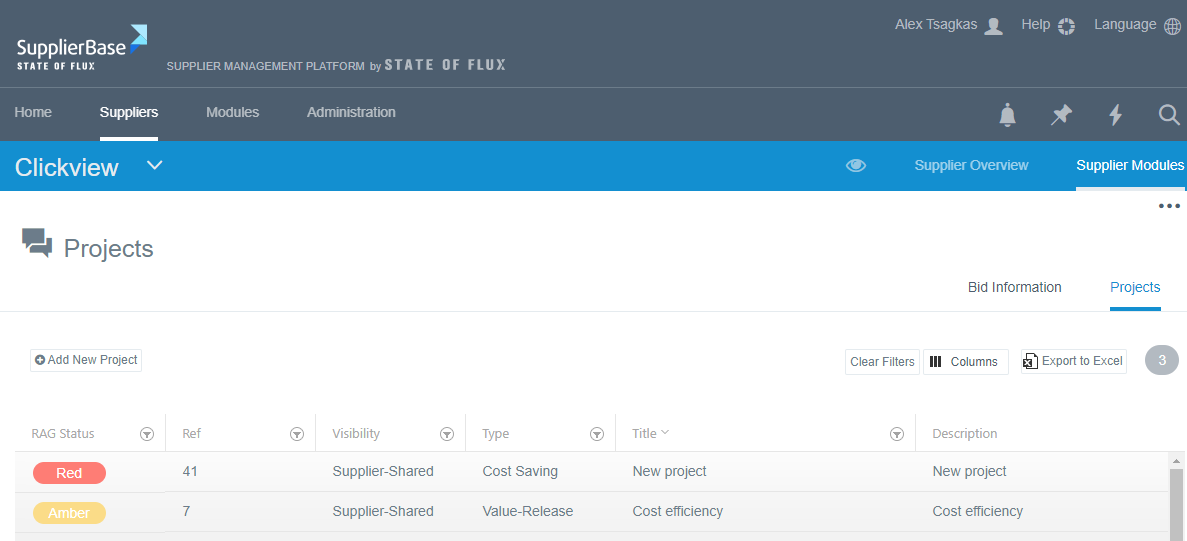
You can view all the projects of a supplier in two ways:
a) If you are a system administrator and have access to the Module level, you can navigate to Modules > Relationship > Projects and see the list of all projects of all suppliers. In the Supplier column, you must click on the filter icon and select the supplier of which you want to see the projects.
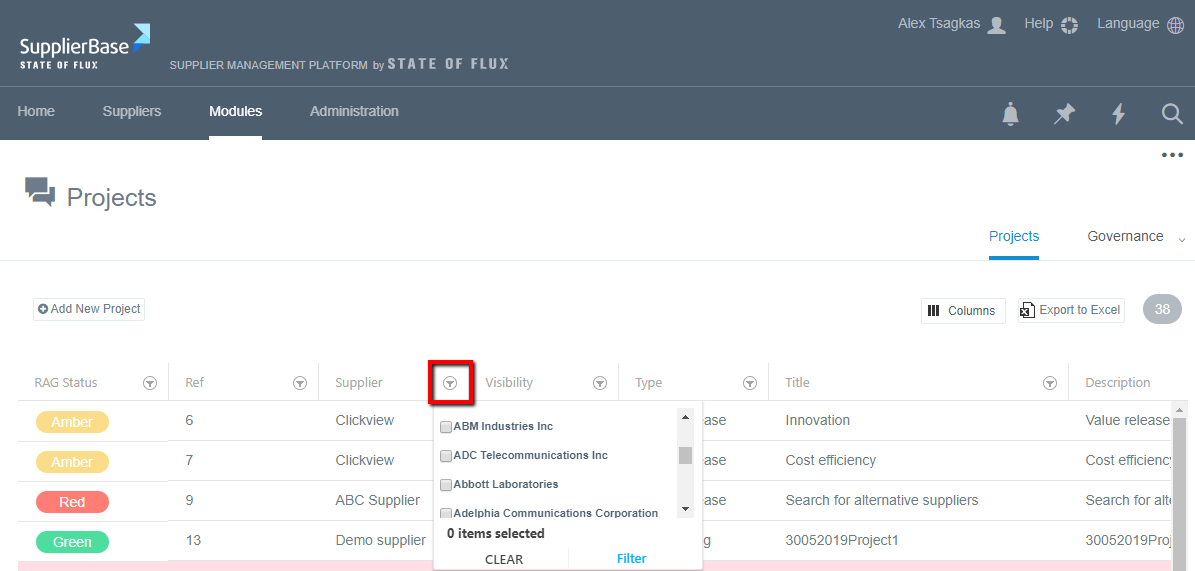
After you select the supplier from the drop-down list, click the Filter button and the list will contain only the projects of the selected supplier.
You can also select to download the list of projects by clicking the Export to Excel button.
b) On the supplier level, select the supplier you want and navigate to Supplier modules > Relationship > Projects. In the list that appears, only the projects of this supplier are contained.