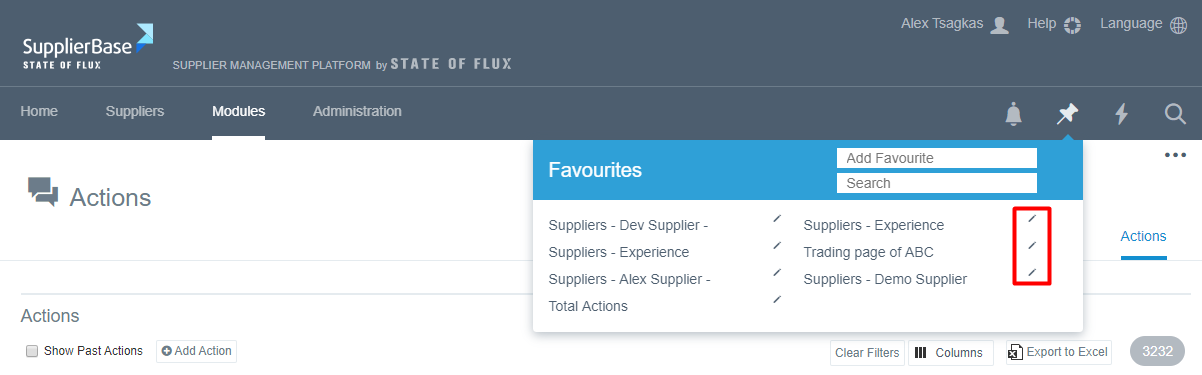
This feature allows users to set up favourite pages i.e. pages that are regularly visited by a user, who needs to access them quickly.
To add a favourite, please follow the steps below:
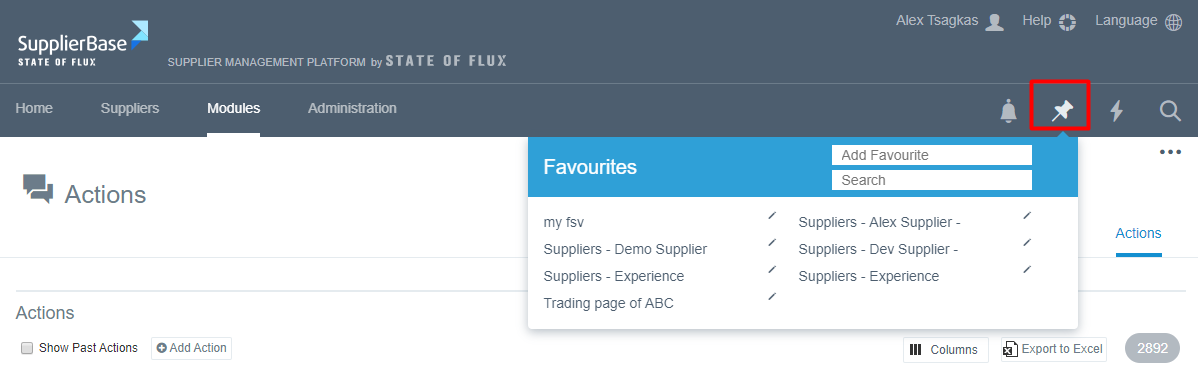
- Navigate to the desired page (for example Modules > Actions), hover over the pin icon (as shown below), and you will see the Favourites menu expand.
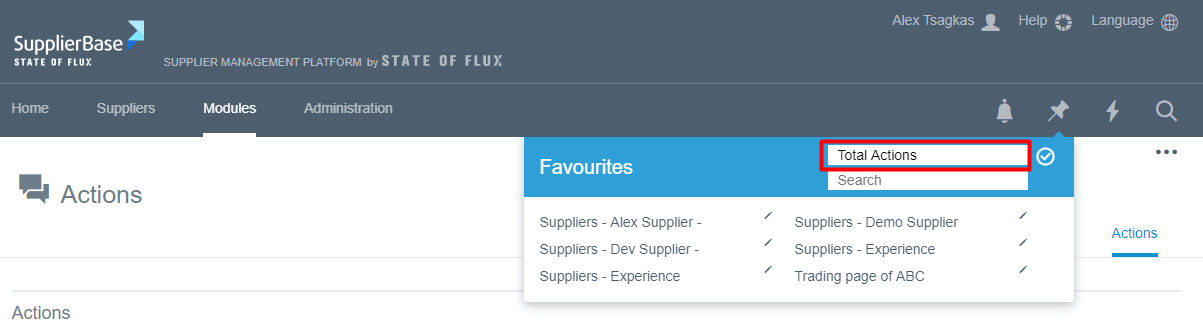
- In the text box that says "Add Favourite", write the title of the page for easier search, e.g. Total Actions.
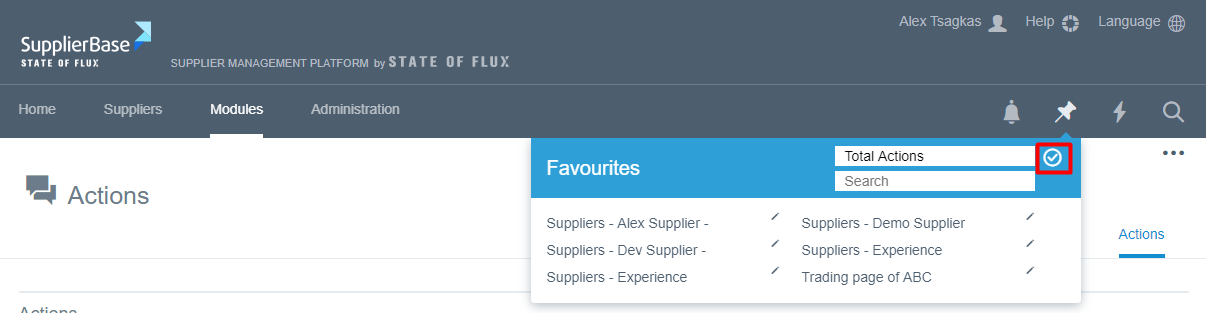
- Click the tick button next to the field.
The page is now added to your favourites.
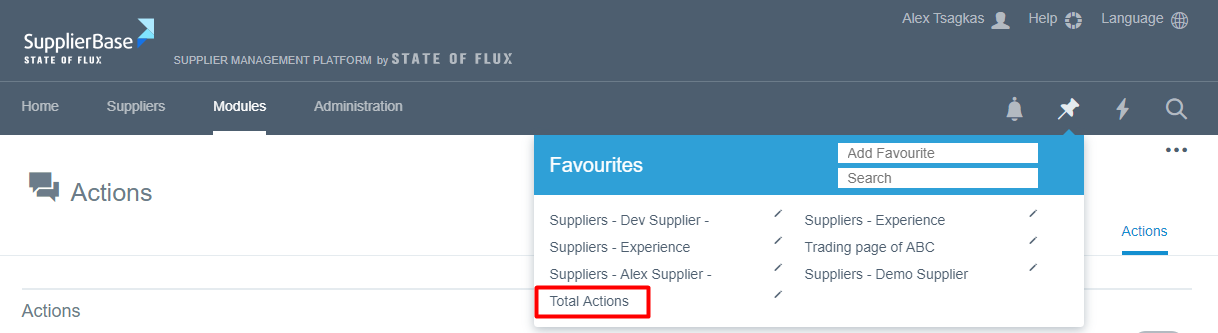
You can repeat this process for as many pages as you want.
Favourite pages can be edited or deleted by clicking on the edit (pencil icon) button.