
When users navigate to the supplier level, they are presented with information relating to that particular supplier. The supplier overview page provides users with a quick snapshot of the supplier’s alerts and relevant activity in the platform for that particular supplier that requires their attention. The supplier overview alerts and data are specific to the supplier.
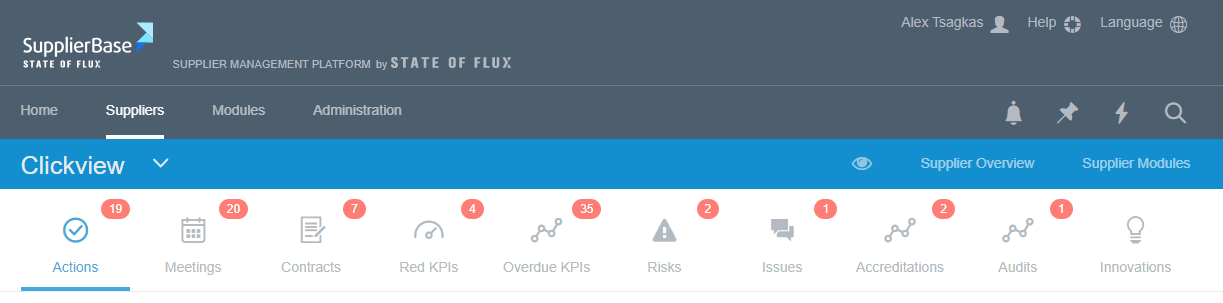
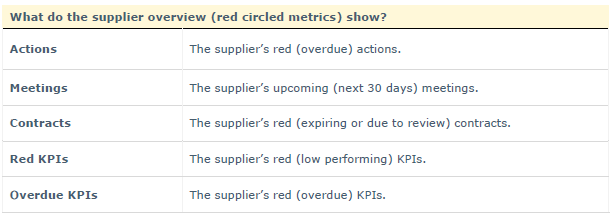
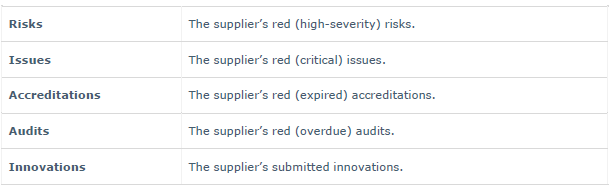
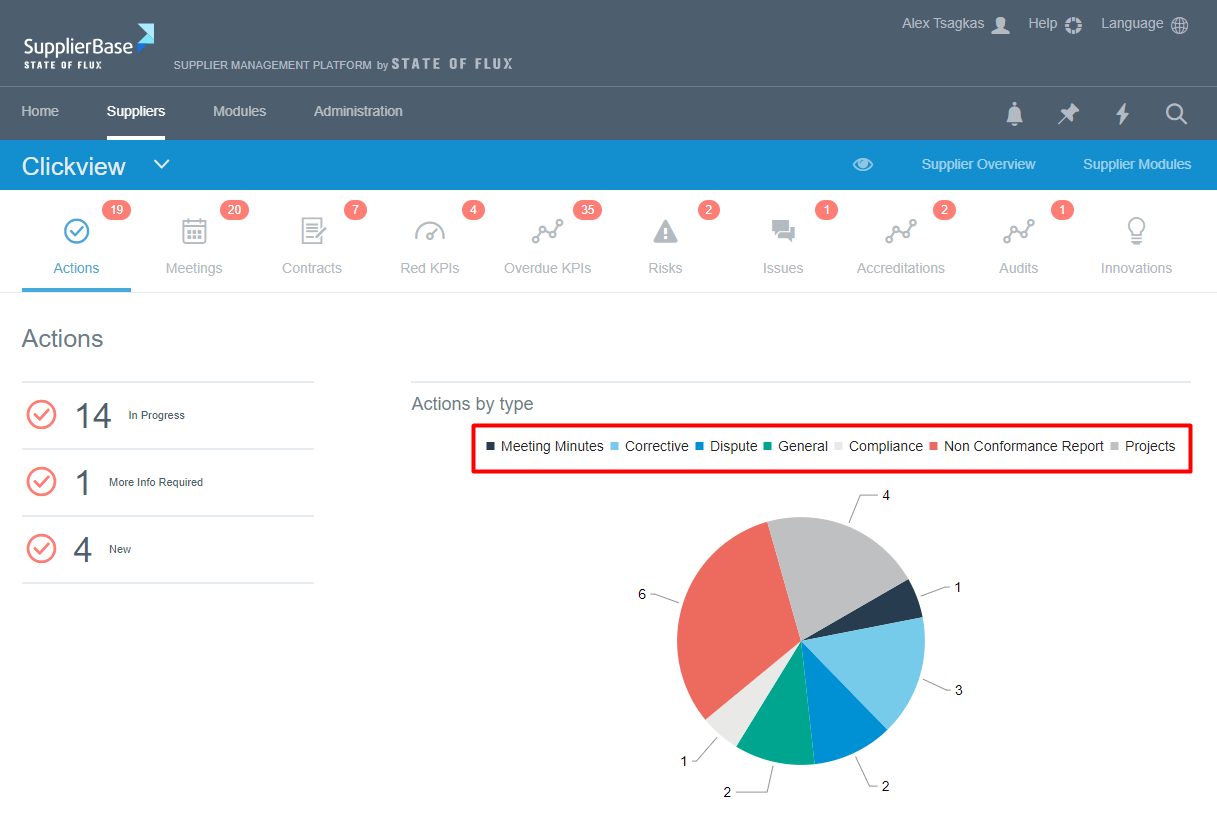
By clicking at each alert, the relevant information is displayed in summary and detailed view. All supplier overview views include: key summary metrics (top left), chart (top right) and detailed data table (bottom).
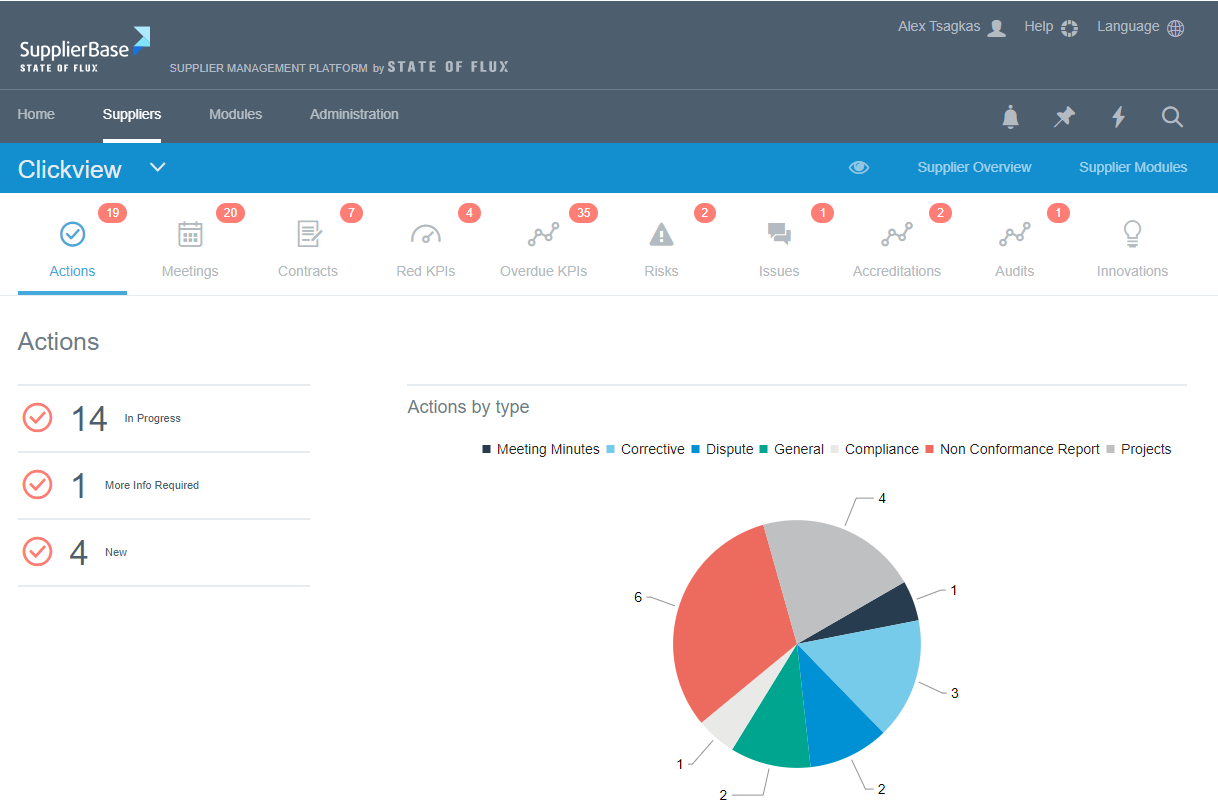
The purpose of the supplier overview alerts is to direct the users’ attention to what is important and relevant to a specific supplier. From the supplier overview views, users can view and edit actions, update meetings, view the details of contracts, score KPIs and navigate to the relevant detail pages of the platform.
Users can filter the data displayed in the charts by clicking on the legend.
Users can click on the detailed table to see the available options to view more information or edit the data.
