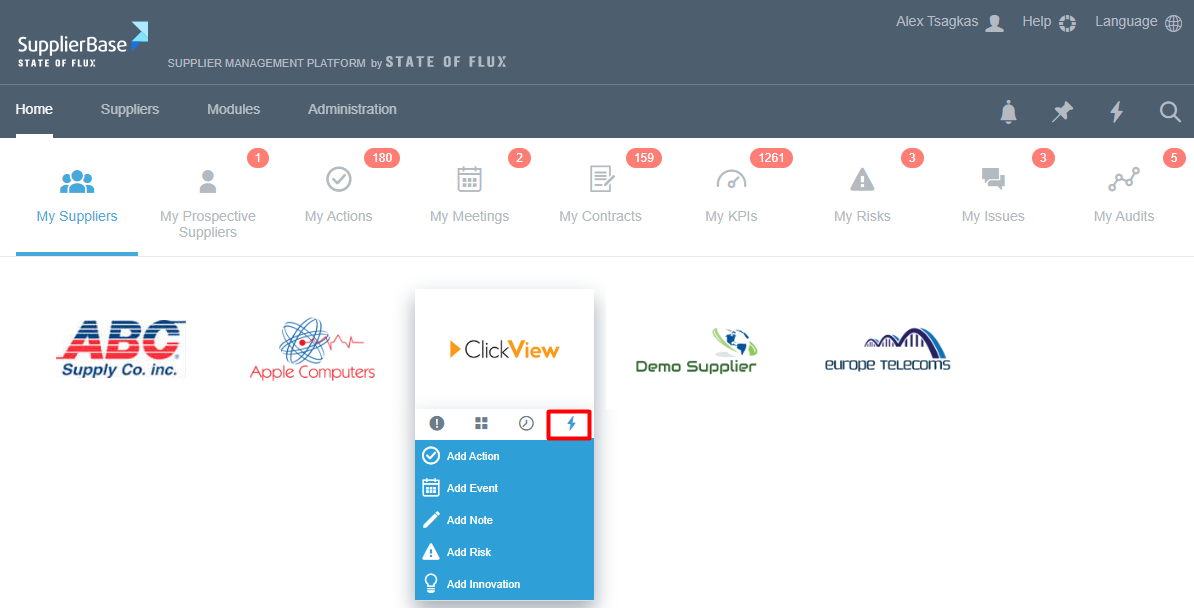
When users mouse over a supplier (supplier logo), there are four useful pieces of information (tabs) relevant to that single supplier.
Supplier highlights: the supplier highlights provide users with quick access to summary information about a supplier.
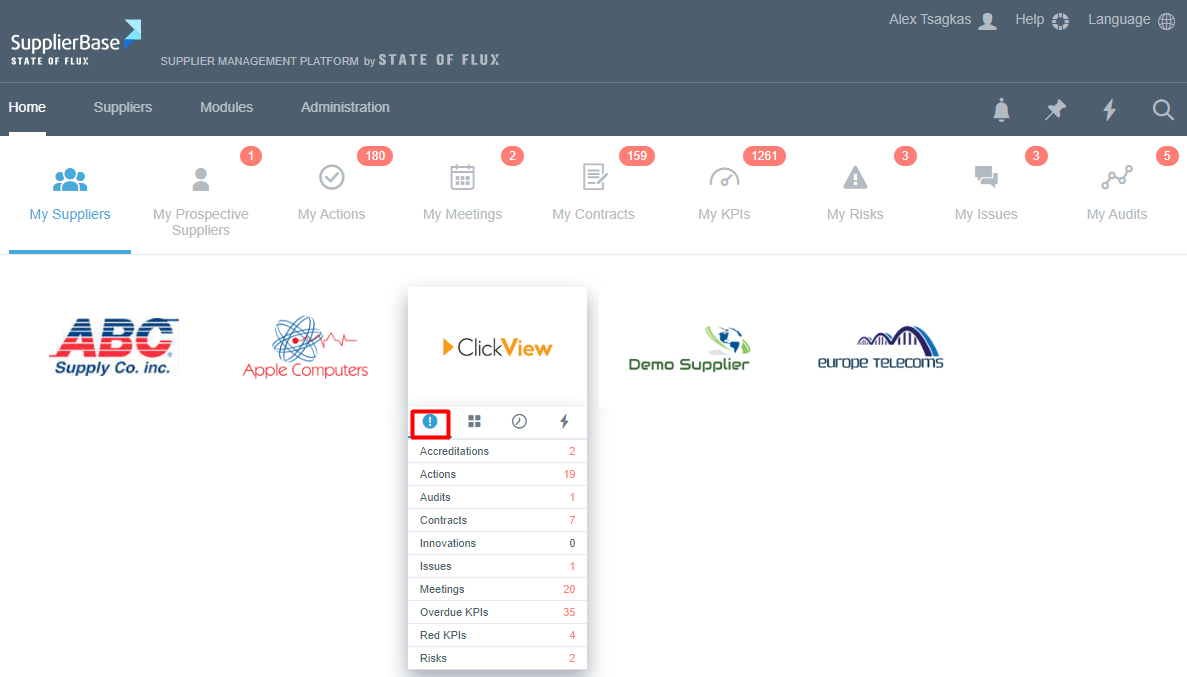
The first tab shows the supplier’s:
- Red (expired) accreditations
- Red (overdue) actions
- Red (overdue) audits
- Red (expiring or due to review) contracts
- Open (submitted) innovations
- Red (critical) issues
- Upcoming meetings
- Red (overdue) KPIs
- Red (low performing) KPIs
- Red (high-severity) risks
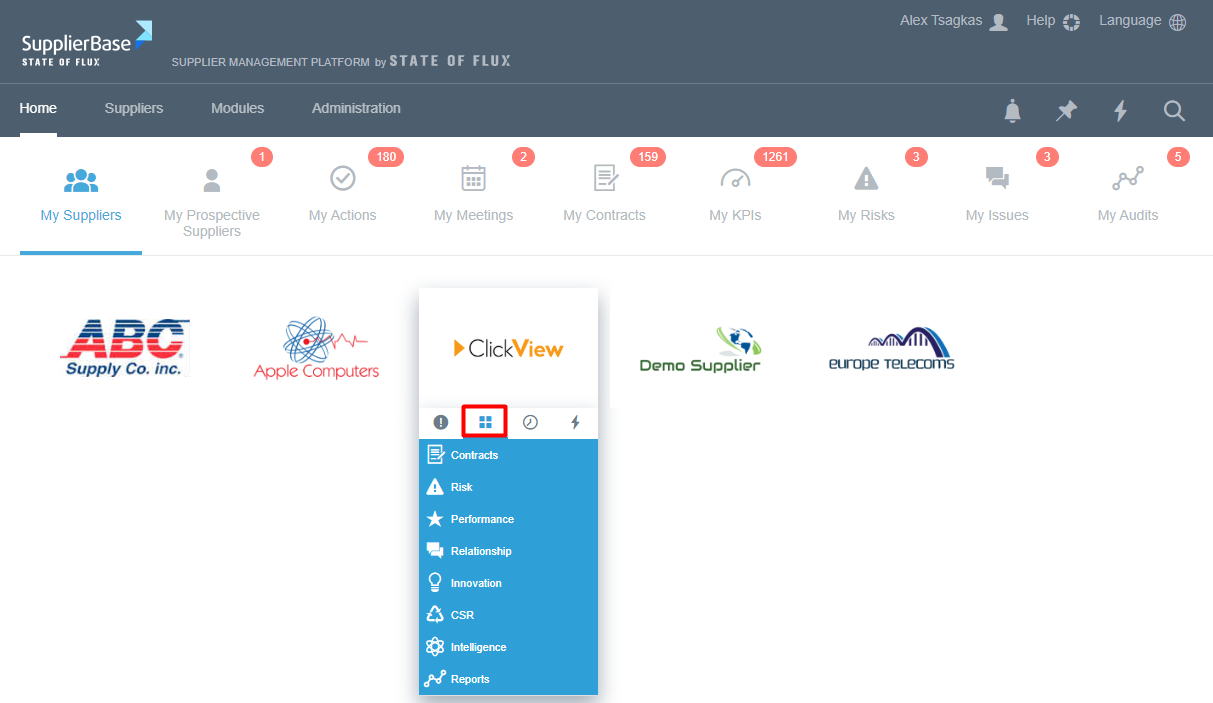
Supplier quick navigation: the supplier quick navigation provide users with quick and easy access to the relevant modules of the supplier.
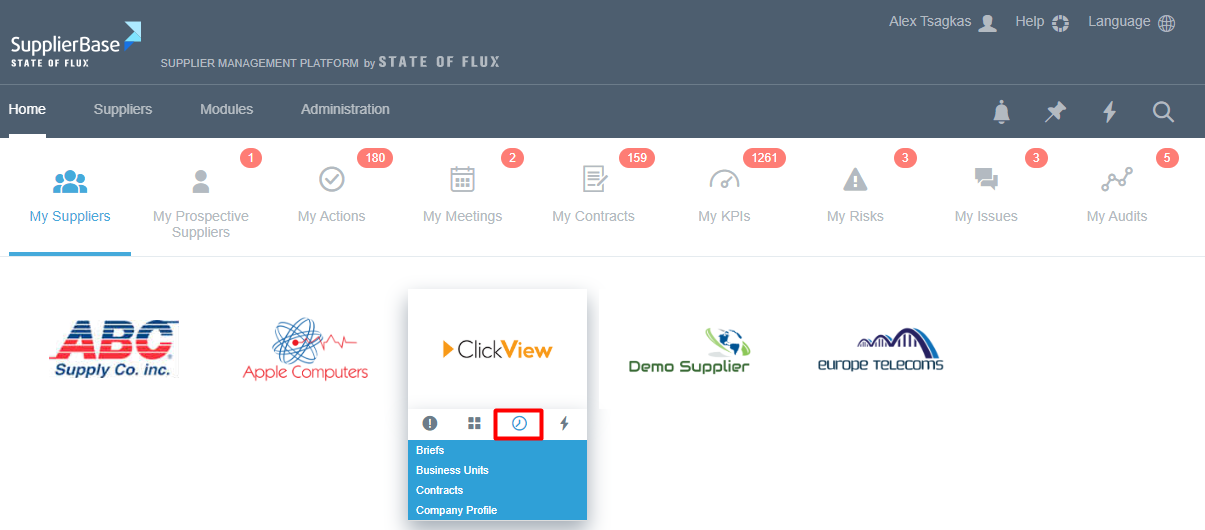
Supplier recent updates: the supplier recent updates provide users with view and access to the pages of the supplier that were updated since the last time the user accessed these pages.
Supplier quick actions: the supplier quick actions provide users with the ability to perform a few actions quickly such as add an action, add a meeting, add a risk.