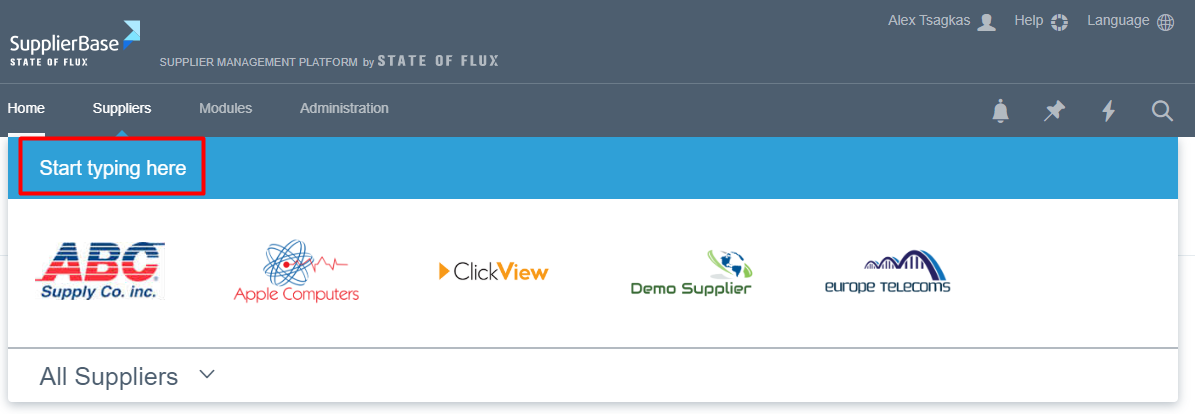
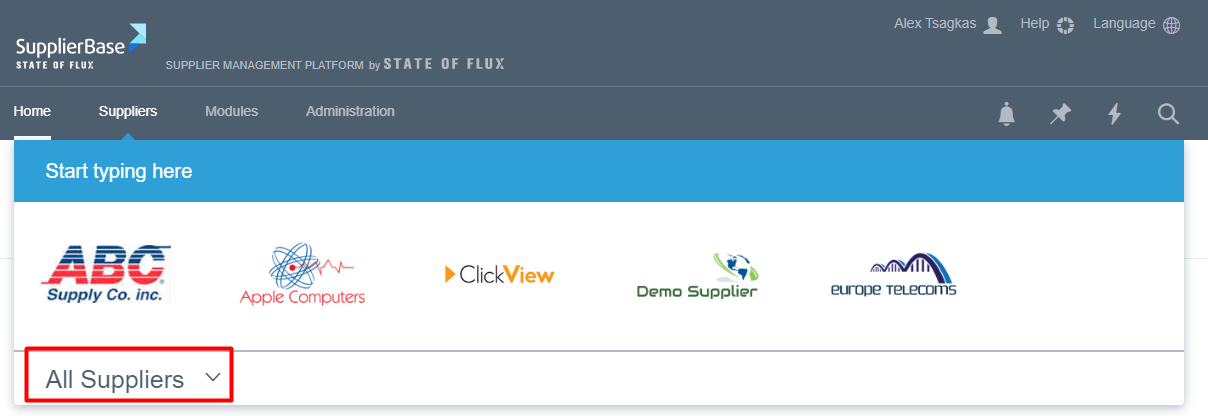
Users may be assigned to one or multiple suppliers. By hovering over the ‘Suppliers’ menu, users can view and access (by clicking) their assigned supplier(s). If users have permissions to access more than their assigned suppliers, the ‘All Suppliers’ drop-down section is available and they can view a list of all suppliers in the platform.
Users can search suppliers by starting to type the (first few letters of the) name of the supplier in the supplier search area.