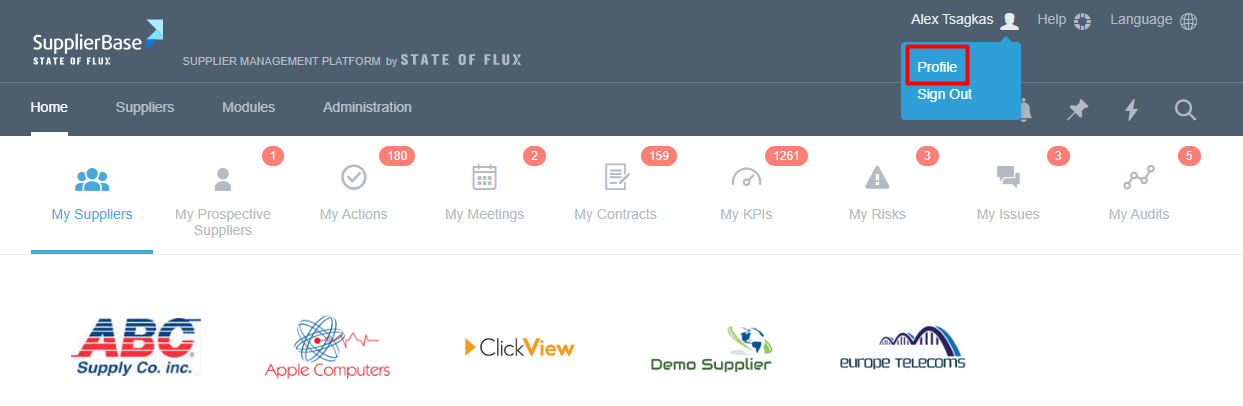
If you wish to change anything in your profile settings, please hover over your name which can be found in the top right hand corner and click the link labelled Profile.
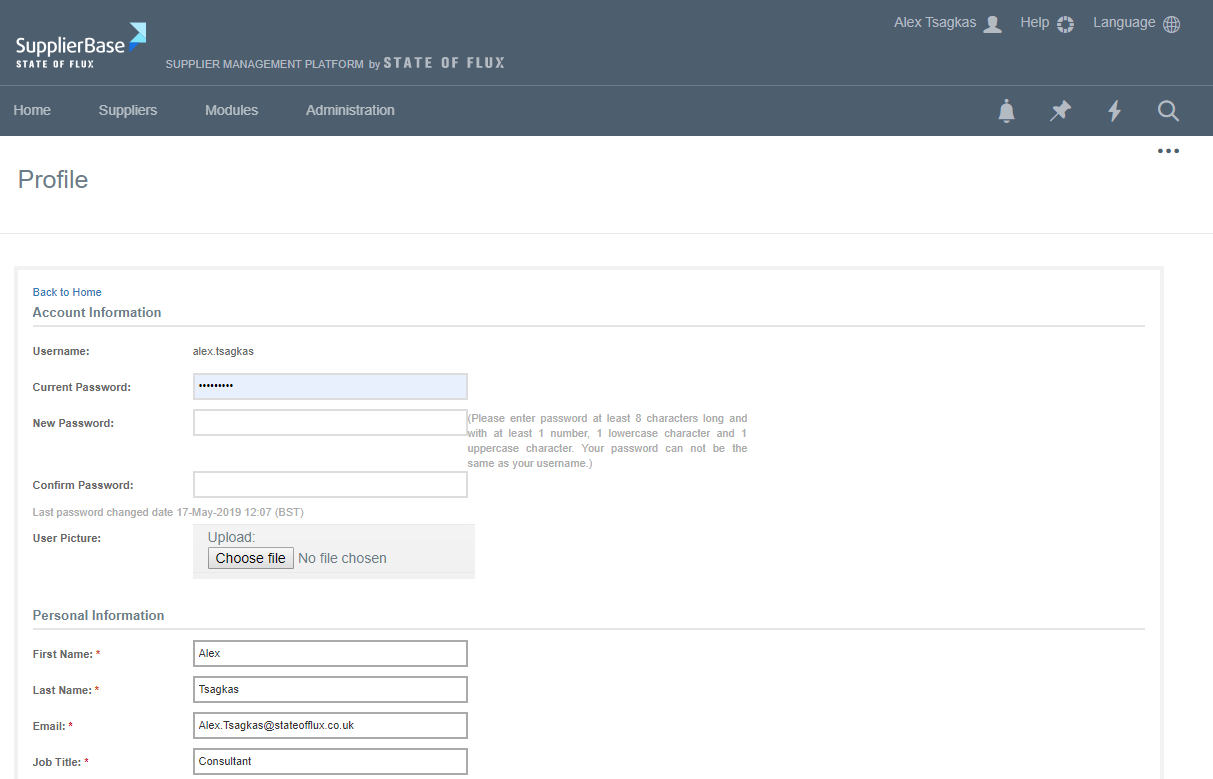
By clicking on this link you will be directed to a page which contains all of your editable details regarding your SupplierBase profile.
This page will allow you to change your password, update personal information such as Name, Email, Job Title, Phone Number and Address, and edit your notification preferences. Feel free to edit anything which needs to be updated on this page.
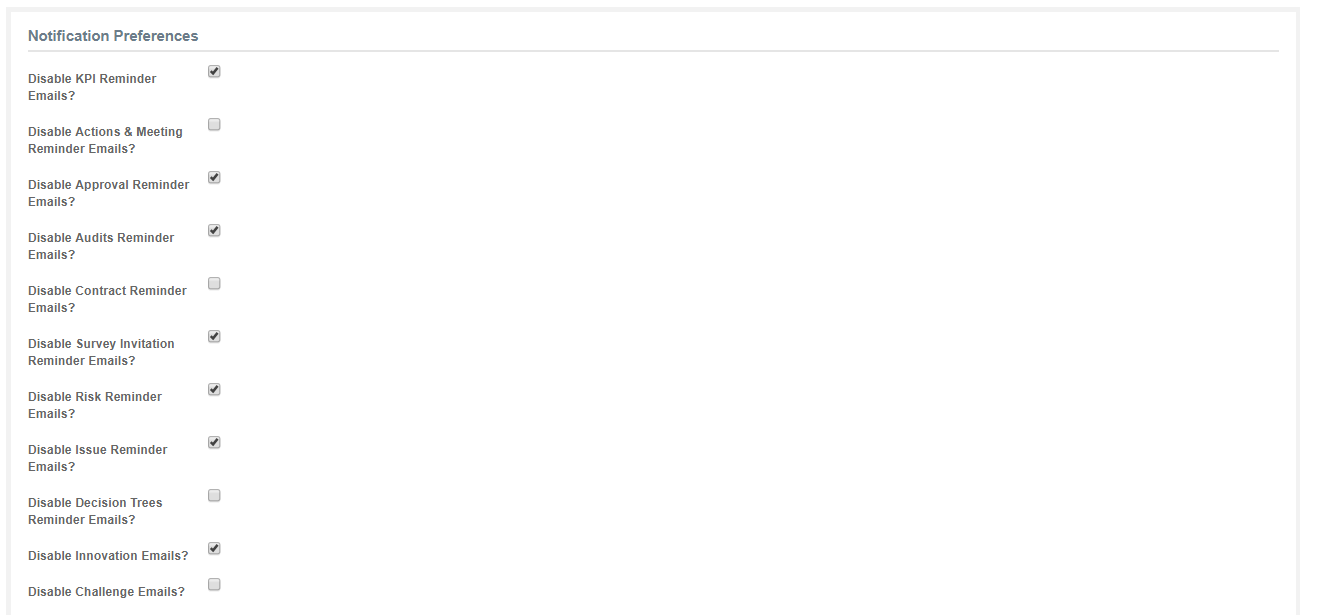
There are various email alerts which can be set on the Profile page. By clicking in the box next to each email alert you can change whether you will receive that email alert or not. For example, if you click the box next to ‘Disable KPI Reminder Emails?’ you will not receive any emails reminding you of upcoming KPIs.
Please note that even though you disable email notifications on this page you will still receive notifications through the platform.