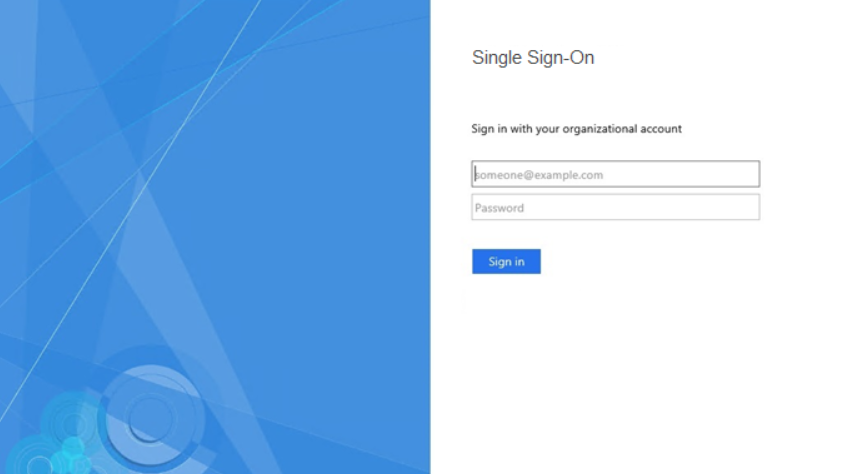
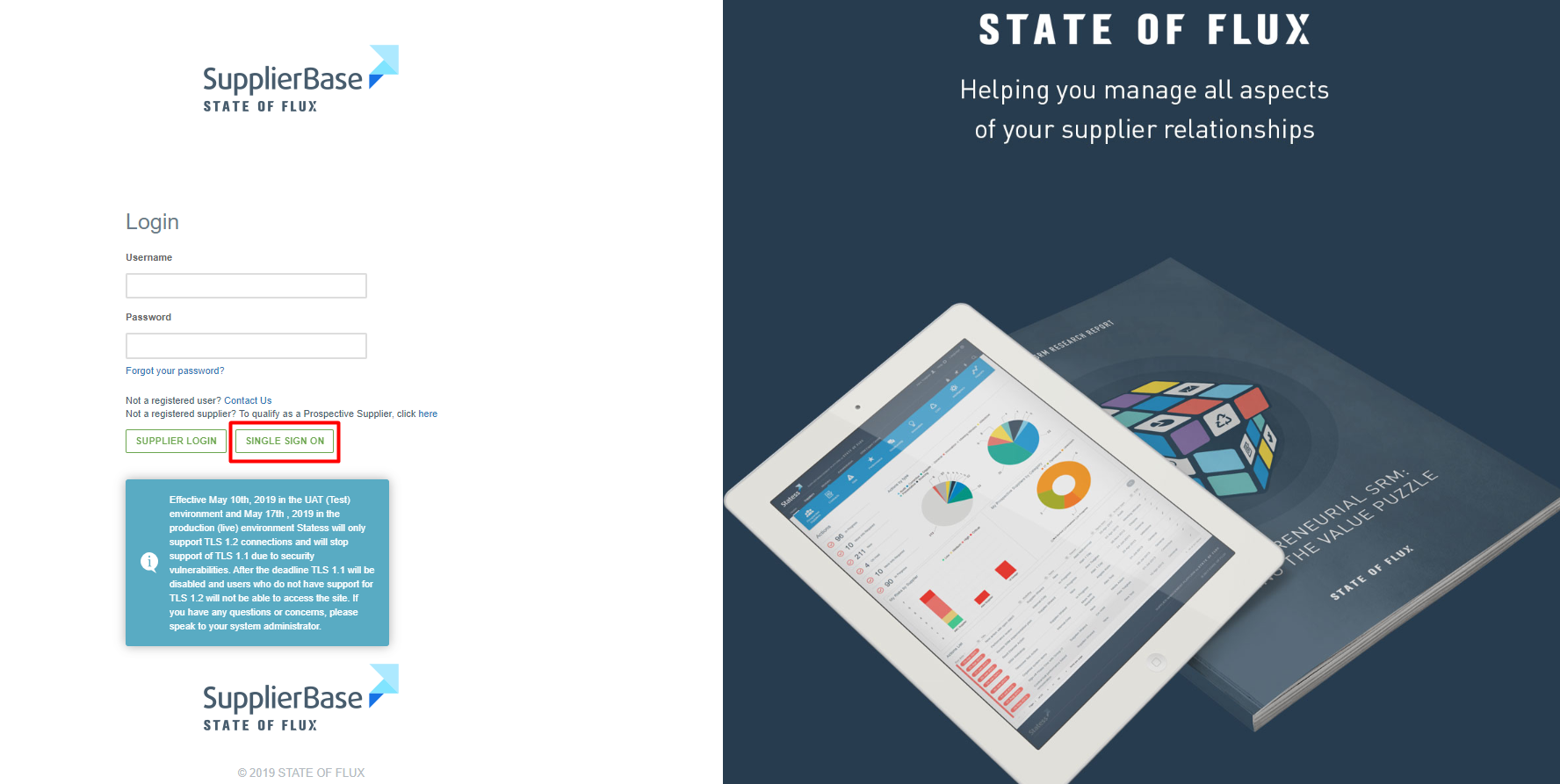
If Single Sign-On (SSO) is enabled in your environment, the Single Sign On option will be available in the login page. By clicking on the Single Sign On link the user will be redirected to the organisation’s authentication solution.
On this page the user should enter their organisational Single Sign On credentials. Once these are have been input for the first time into the system they will be saved for all future logins.