
Throughout the platform you can access the Languages link, located at the top right corner of all pages, which will allow you to change the language of the platform.
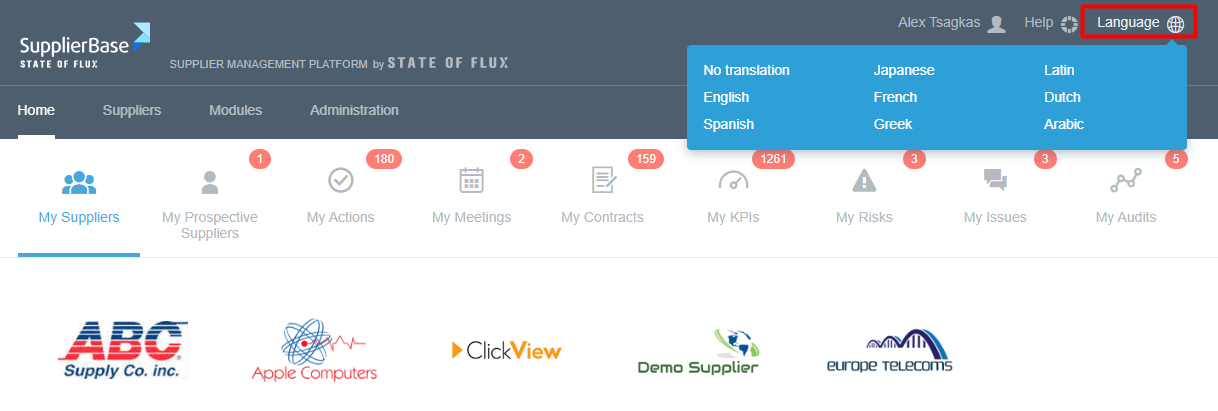
By hovering over this, a drop-down list will appear giving you a selection of potential languages that SupplierBase supports. By clicking on one of these languages the whole platform will be translated. SupplierBase supports over 70 languages, but the languages that will appear in your system will be based on the configuration of the platform.