
Users can select which 360 Survey to display in the 360 Feedback page.
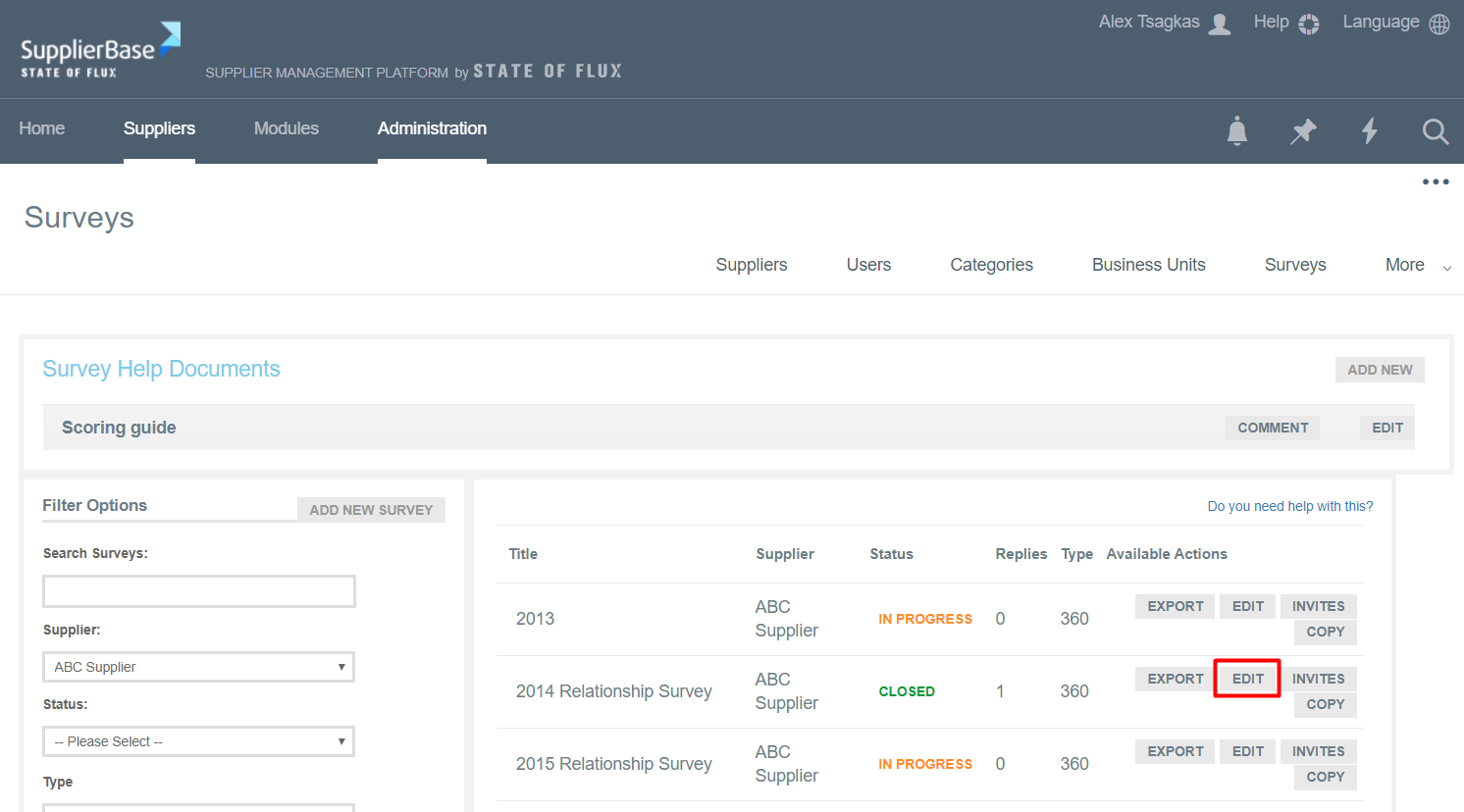
From the Surveys page, click on Edit next to a closed survey, the results of which you want to present in the 360 Feedback page.
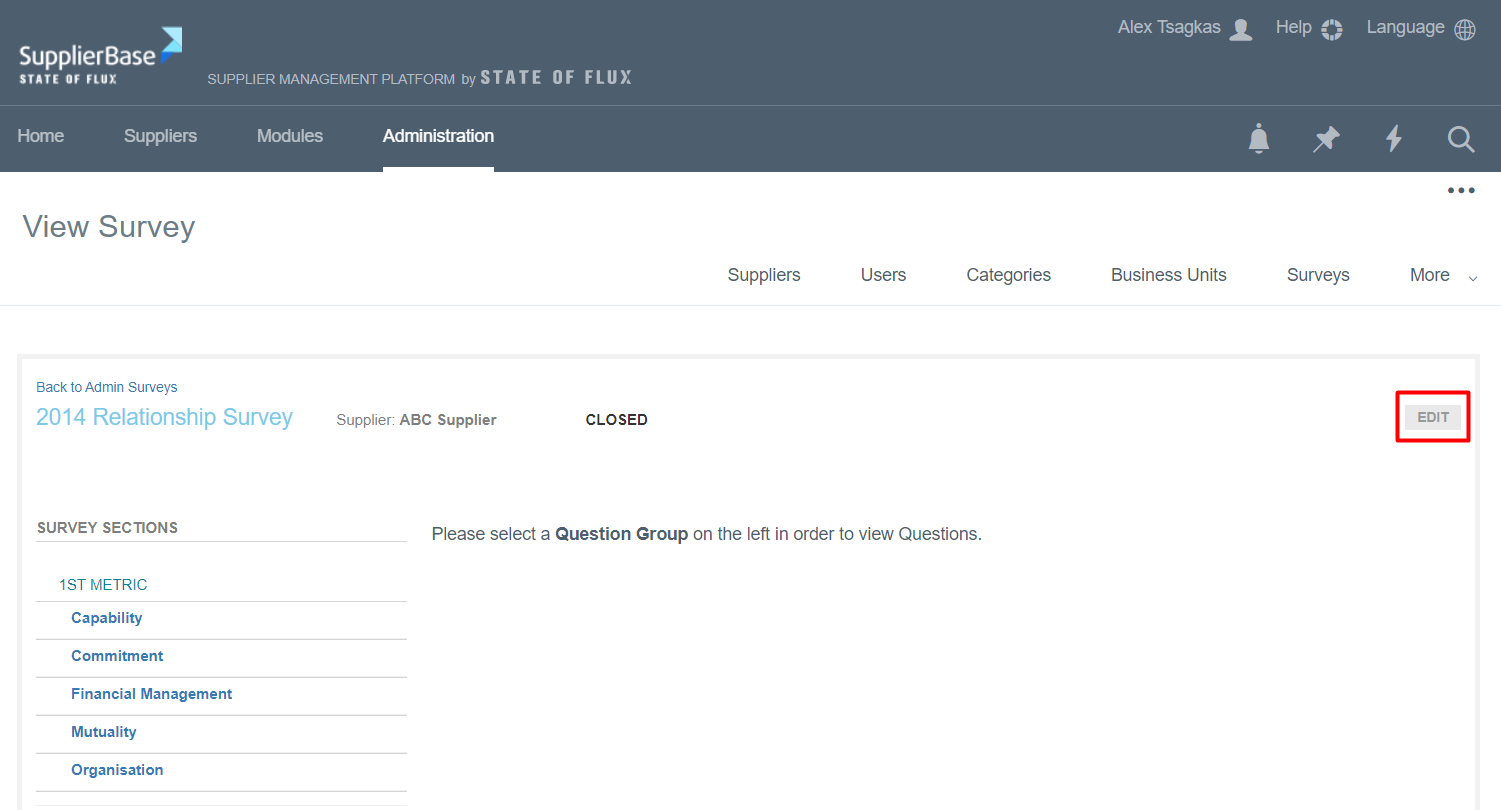
You are directed to the View Survey page. Click on the Edit button.
A pop up window appears.
If you scroll down, you will see the box "Is Latest Survey".
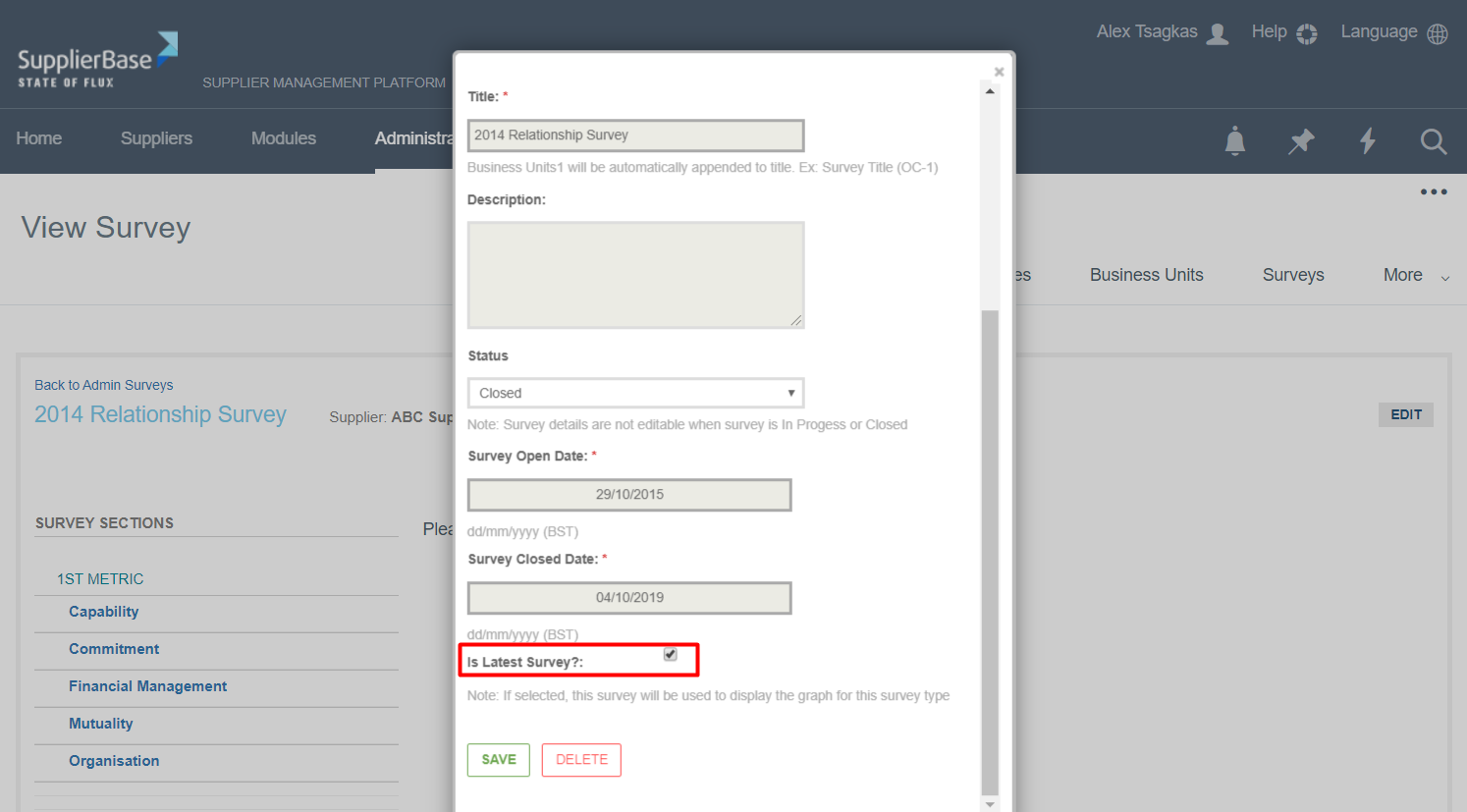
If you check the box, this survey will appear in the 360 feedback page.
Then navigate to the Supplier modules > Relationship > 360 Feedback page.
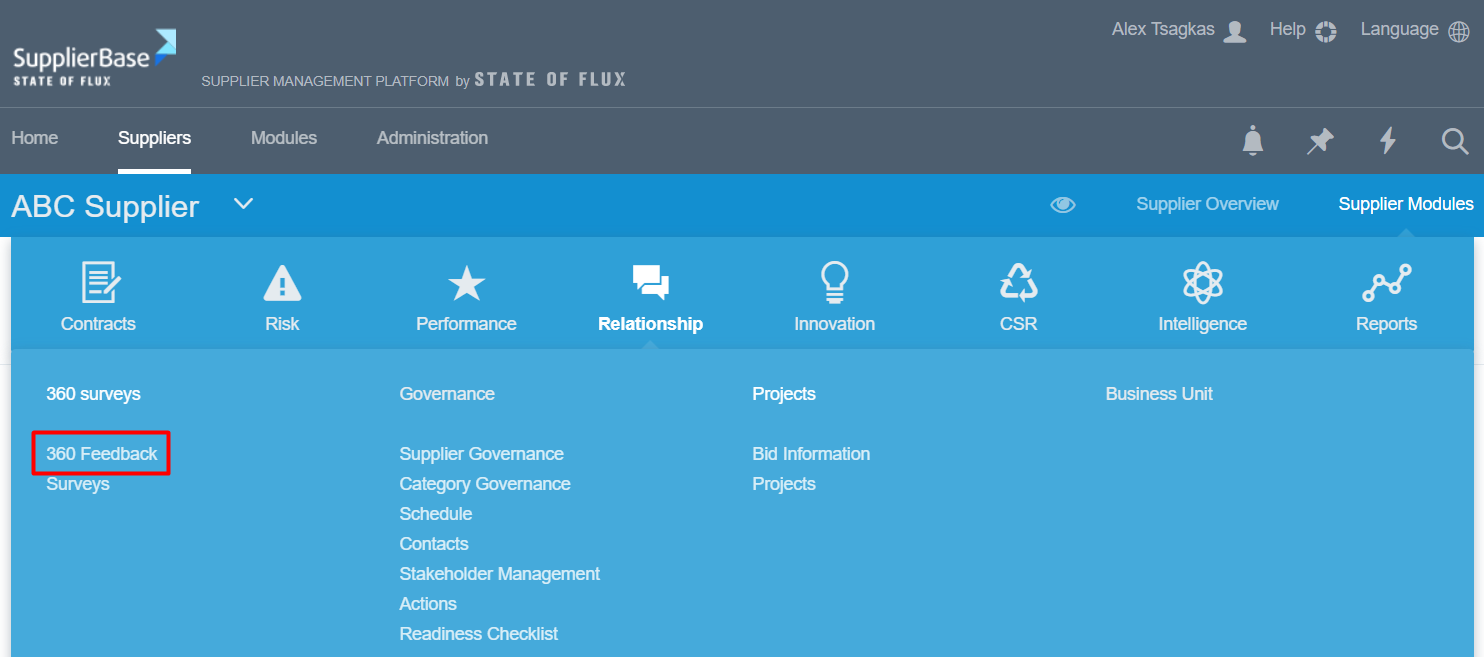
The results of the survey are displayed on the page.
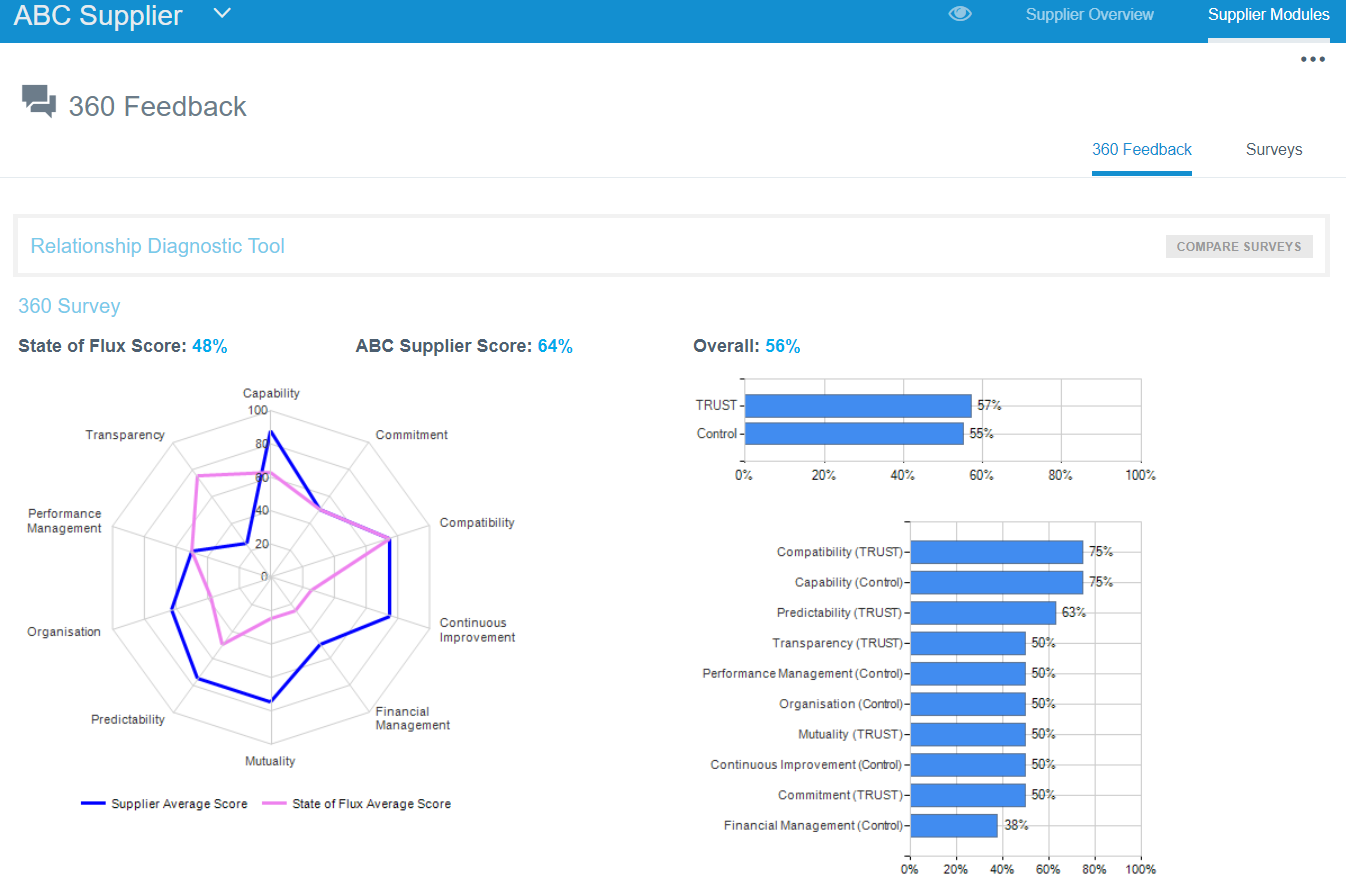
For more information on the the 360 feedback surveys, please go the Relationship surveys section.