
If you want to send multiple questionnaires to multiple users at once, you can use the Bulk Invites functionality, which you can find at the end of the questionnaires list.
IMPORTANT NOTE: Only template questionnaires can be selected for Bulk invite.
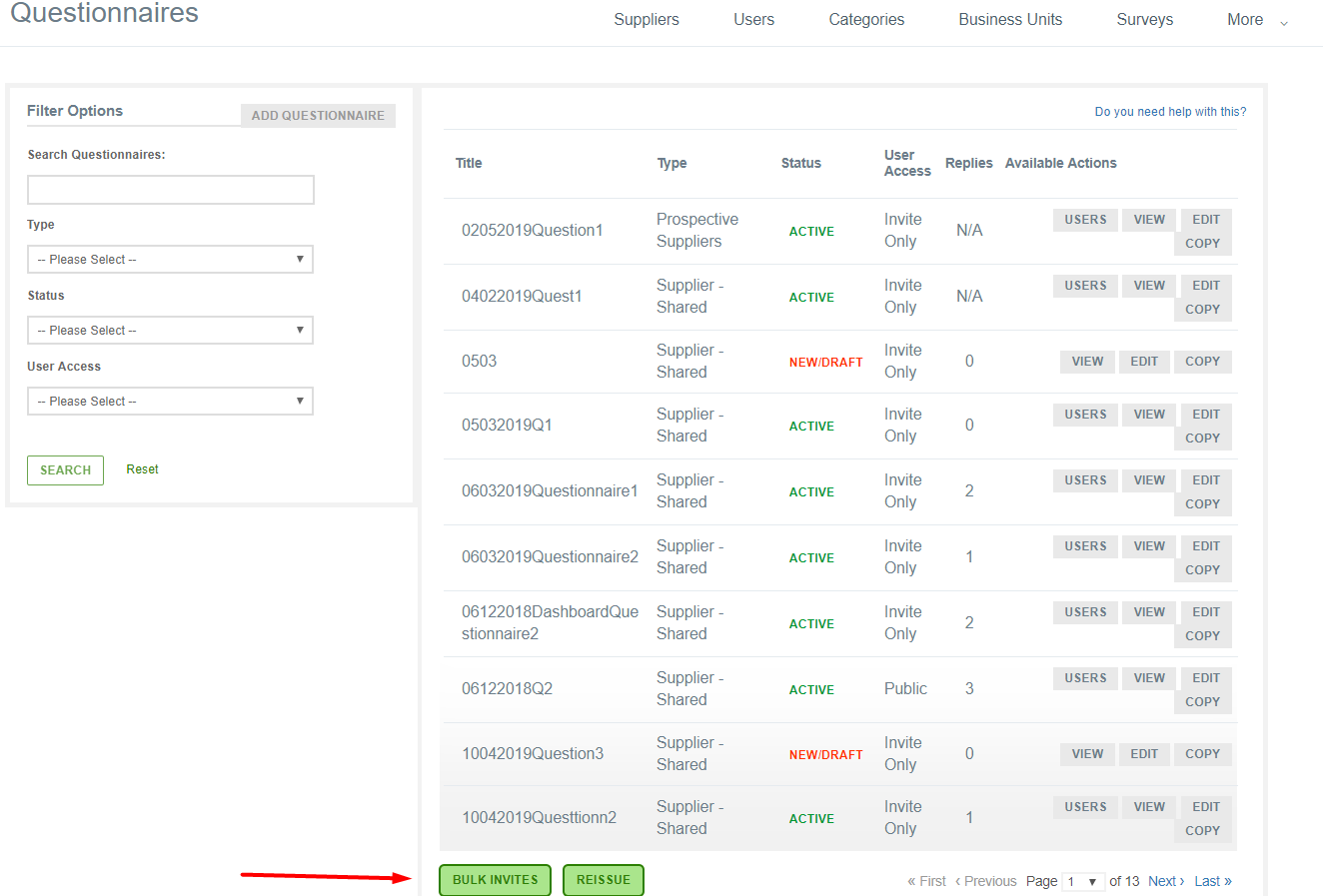
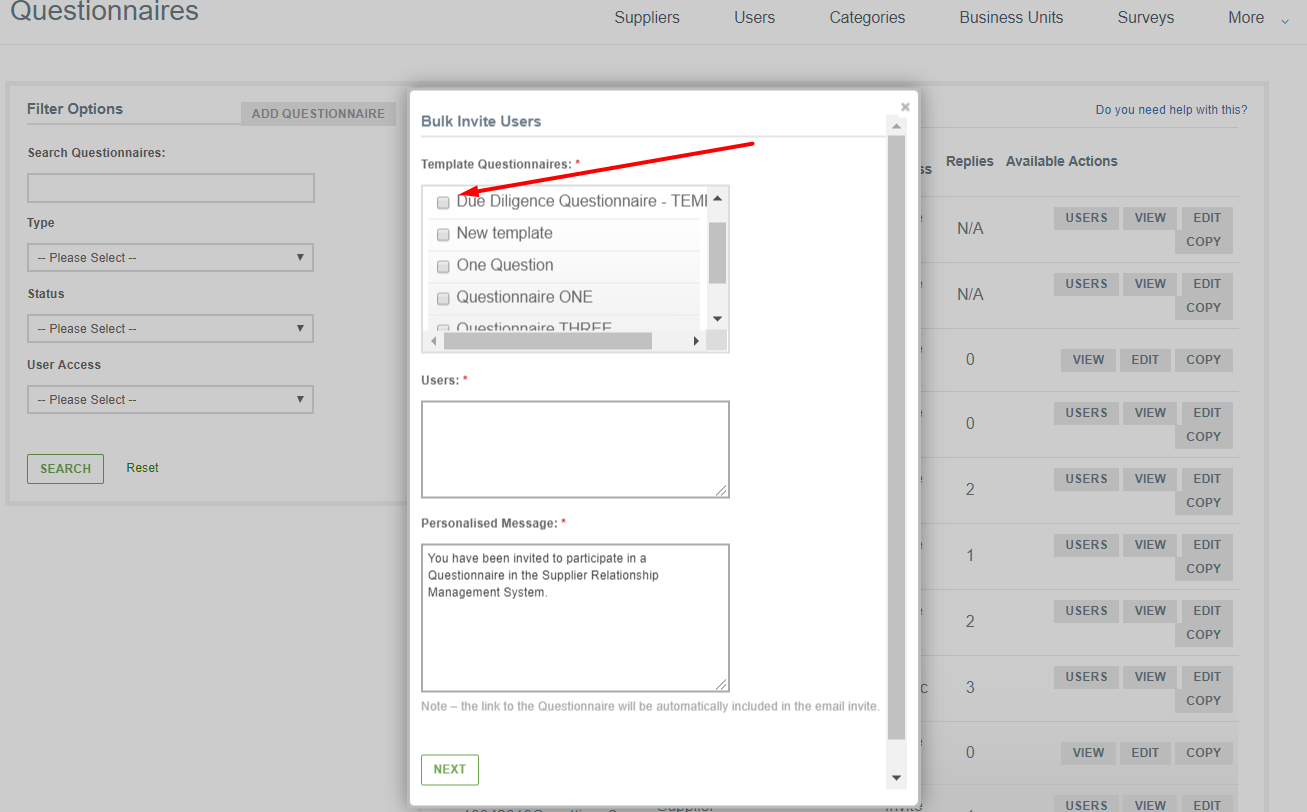
When you click that, the following window pops up. In it you have to select the questionnaires you want, the users you want to invite, write a personalised message to them and then click the Next button. During the bulk-invite, the template questionnaires can also be renamed.
Once a template questionnaire is included in a bulk-invite, one ‘Active’ questionnaire will be created.