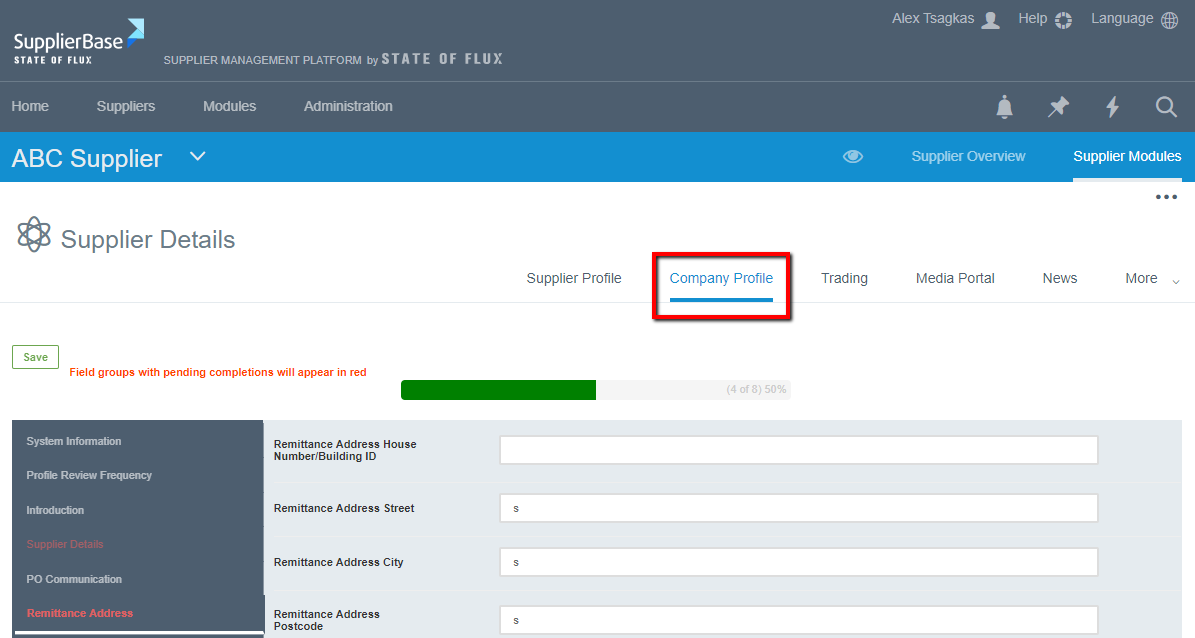
The company profile page shows information about a supplier you will want to view and the onus is on the supplier to ensure this is completed. The list in the company profile is configurable, you will need to speak to your administrator to configure the fields on this page.
MODULE LEVEL
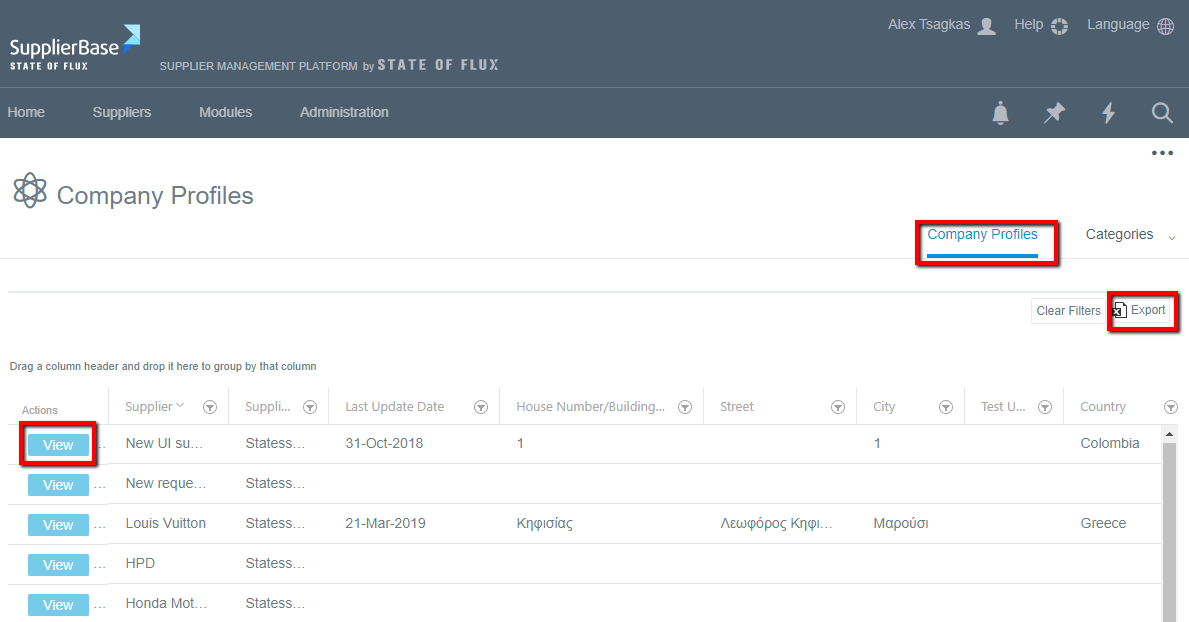
At the module level, the company profile shows details of all the supplier company profiles.
- To view a supplier company profile, click the View button which will direct you to the supplier level company profile where you can view the details.
- To Export the information of all the supplier profiles, click on the Export button shown at the top right corner, which will download the information in an excel format.
SUPPLIER LEVEL COMPANY PROFILE
To update a field:
1. In the intelligence module, click on Company profile
2. Click on a field to make changes
3. When done, click on Save