
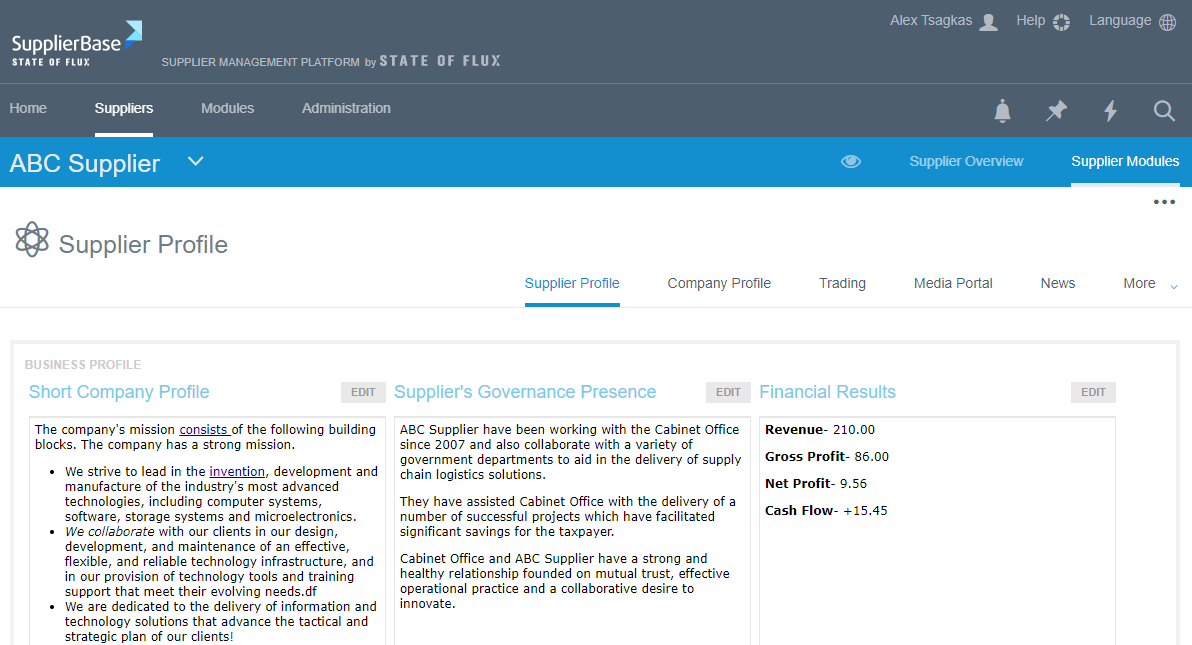
The supplier profile page gives suppliers the opportunity to tell you, the client, more about themselves. These includes the supplier’s Mission, Vision and Corporate Objectives.
The following steps outline how to edit and update information in a supplier profile page:
1. Click on the Supplier profile page
2. Click on Edit in the Mission, Vision or Corporate Objectives columns to edit.
3. Make the changes and click on save.
To upload and view the organisational structure and any additional documents:
1. Click on Add new
A pop up window appears.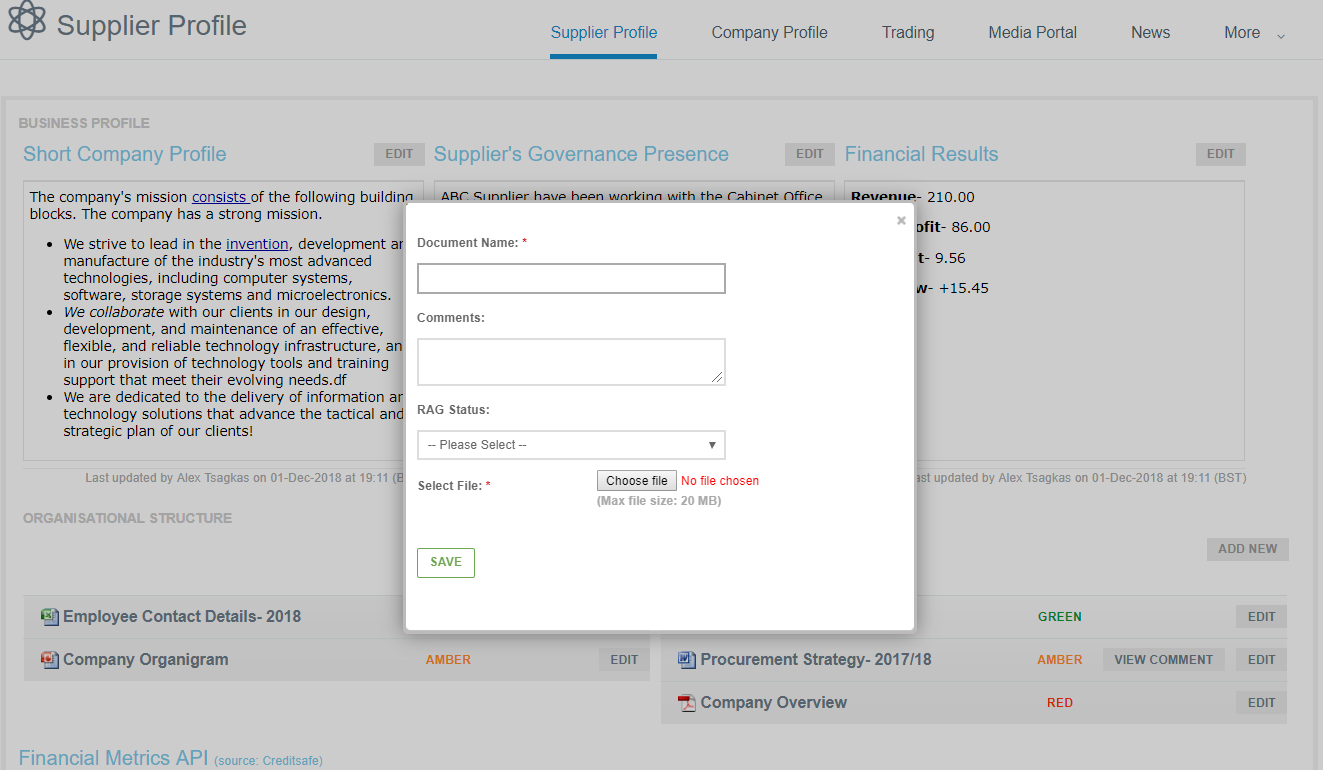
2. Complete the form with the document name, comments (not required)
3. Click on ‘choose file’ , choose the document to be uploaded
4. Click Save
5. To view a document that has been uploaded, click on the document and the document is downloaded to your computer.