The Information Centre is found in the Intelligence module in the supplier level:
I. Hover on the supplier modules.
II. Hover on Intelligence and click Information Centre
SHARED FOLDERS
Files to be shared with suppliers can be added here and they can be added by folders.
To create a folder:
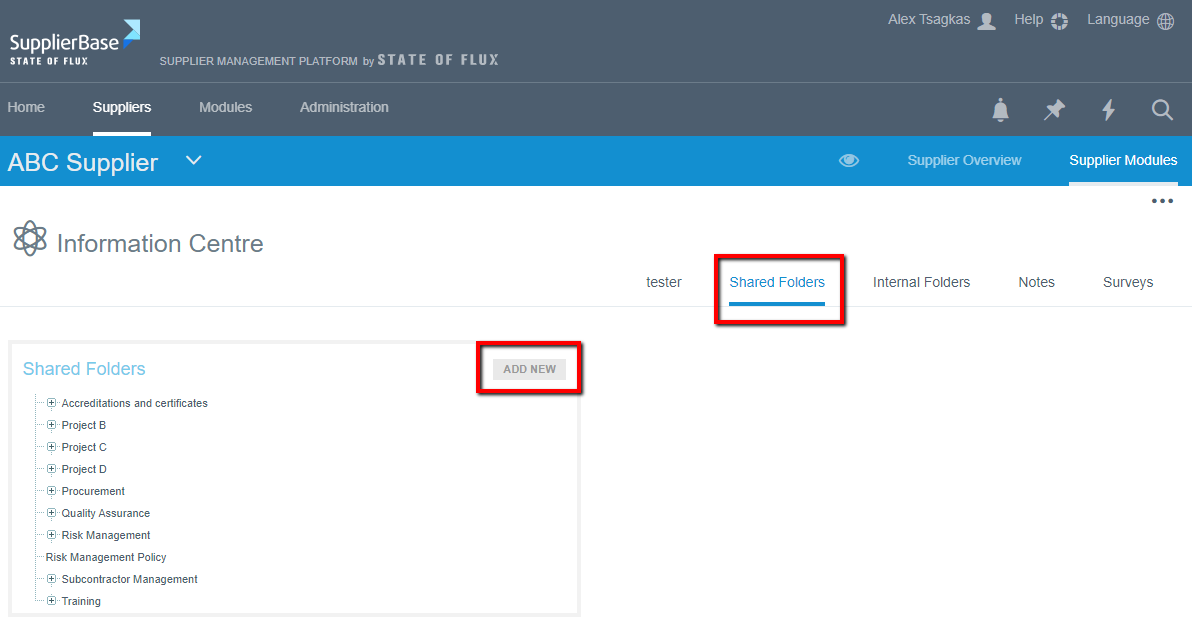
- Click on shared folders
- Click on Add new to create a new folder
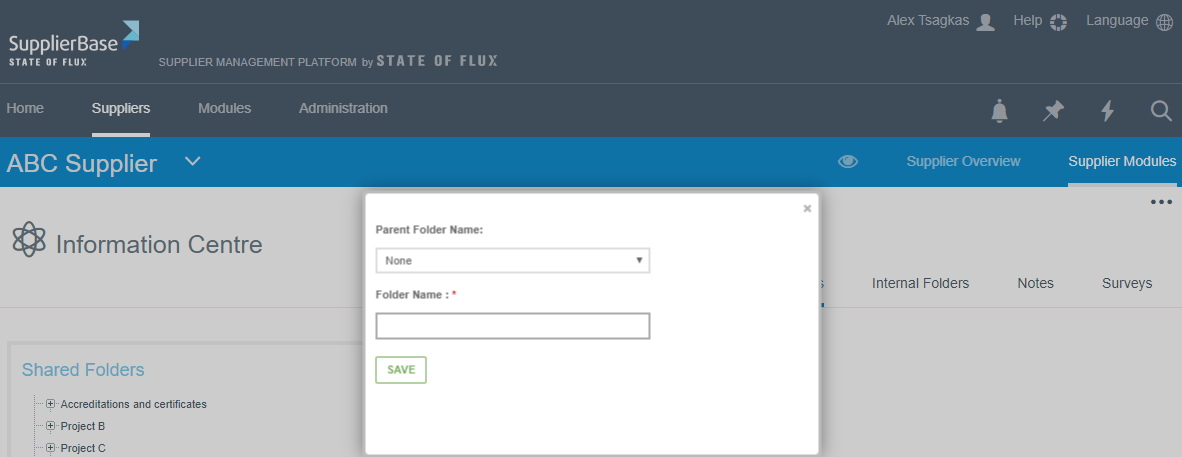
A pop up form appears.
- If this folder is linked to a parent folder, choose the folder from the drop down list in the Parent folder. This will link the new folder you are creating to the parent folder you have selected.
- Type the name of the folder and click save which then saves the folder
To add documents to a folder:
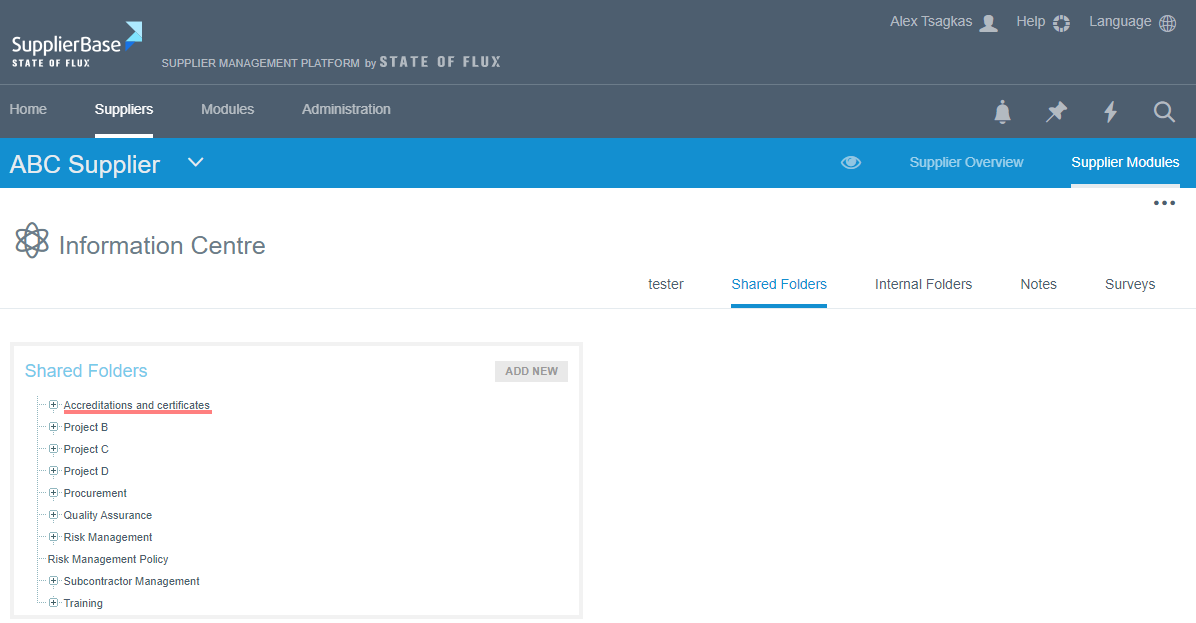
- Click on the folder for the document to be added into
- On the right, click on Add document
- A pop up form is displayed
- Complete the form
- Cick on ‘choose file’ to upload the document
- Click on save
To edit a folder:
- Click on the folder you which to edit
- On the right, click on ‘Edit folder’

- Make the changes and click Save
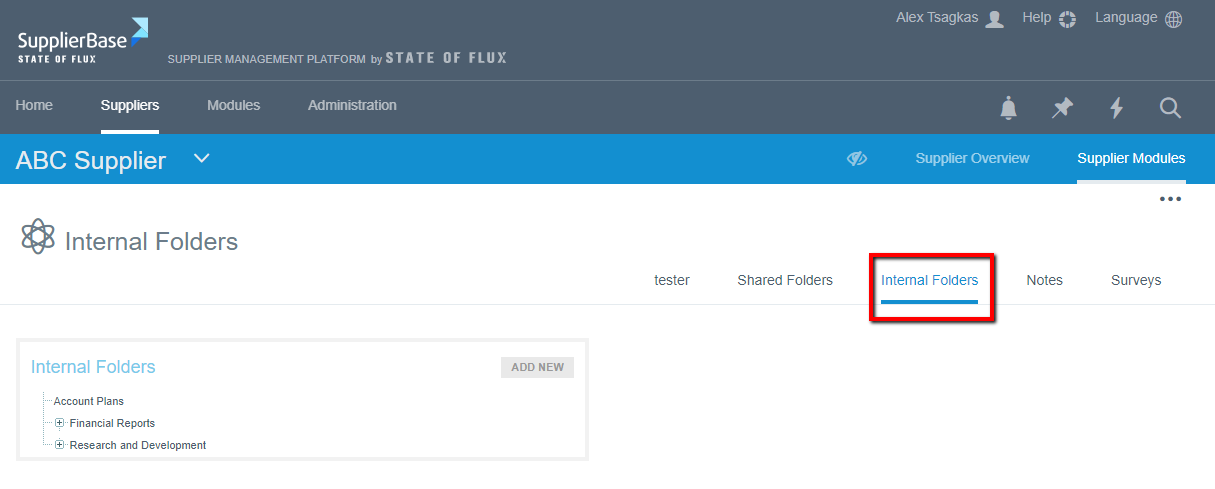
INTERNAL FOLDERS
Files to be shared with internal users ONLY can be added here and they can be added by folders.
Click on internal folders and follow the same steps stated in the shared folders
NOTES
To add notes:
- From the Information centre, click on Notes
- Click on ‘Add New’ and a form pops up
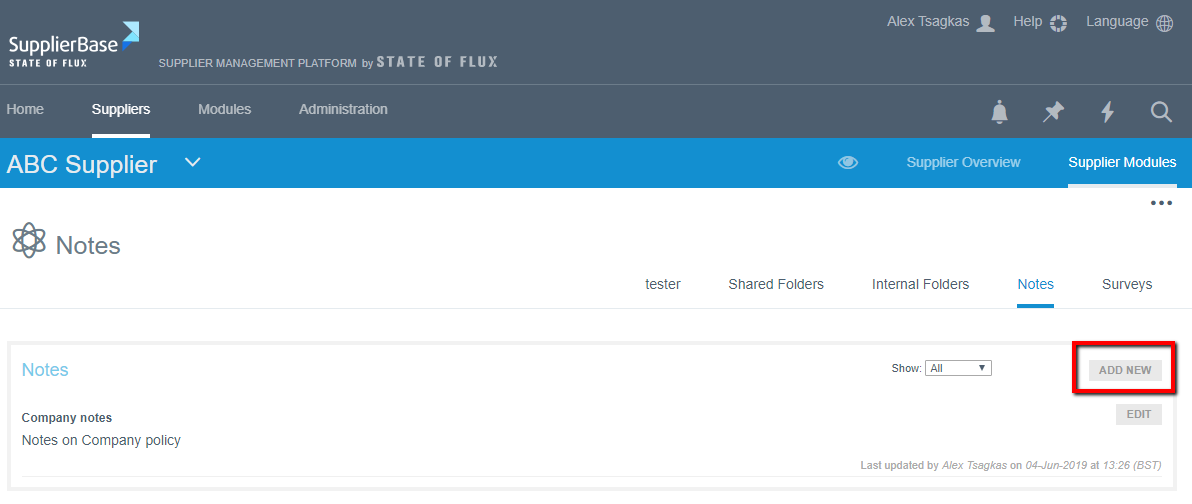
- Complete the form with the Title of the note, its description and Status
- Click Save
To edit notes:
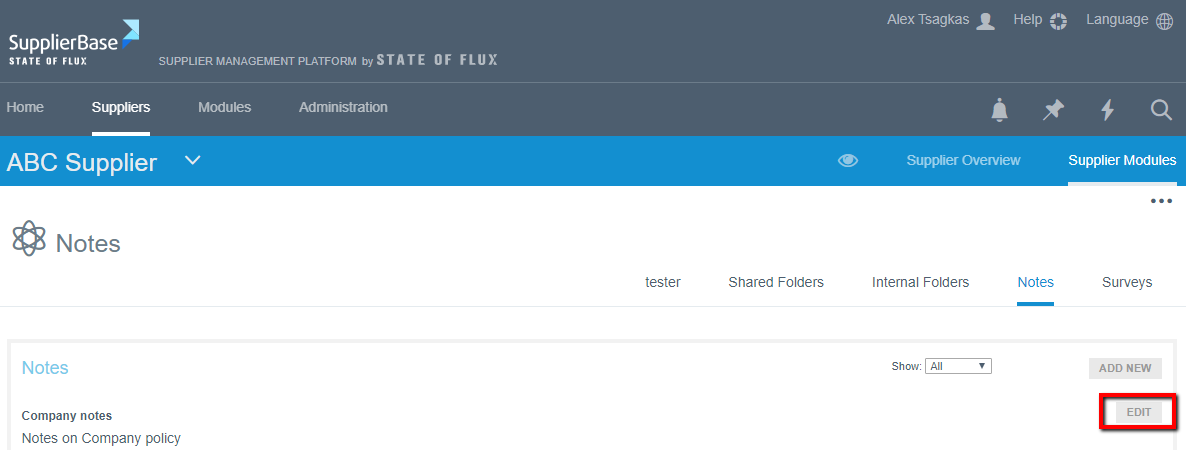
- Click on Edit
- Make changes to the information and click Save.