
In the platform, you can add proposed innovations that might address your organisation's challenges. You can do that:
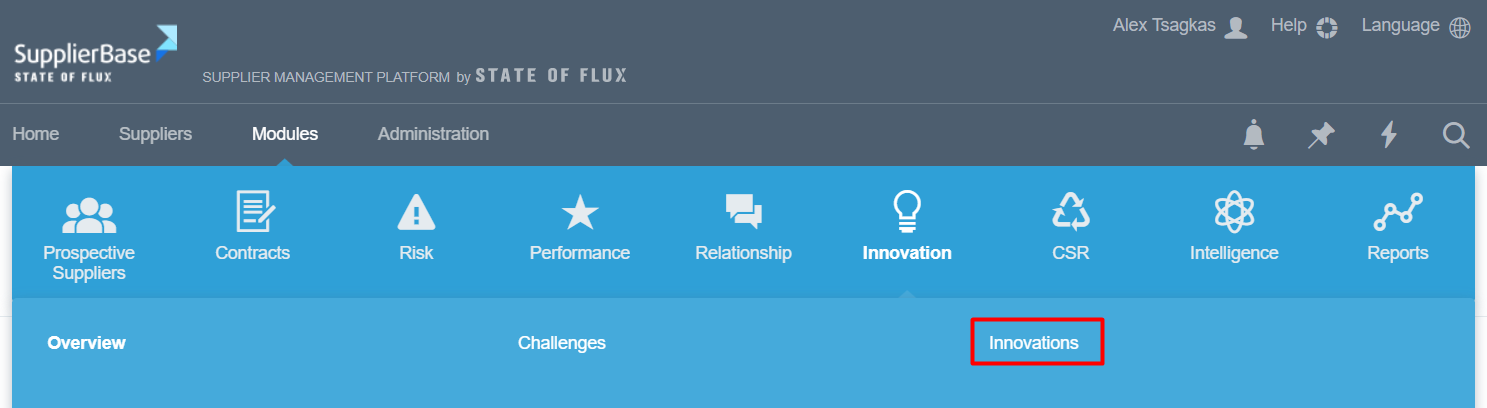
1. On the module level, under Modules > Innovation > Innovations
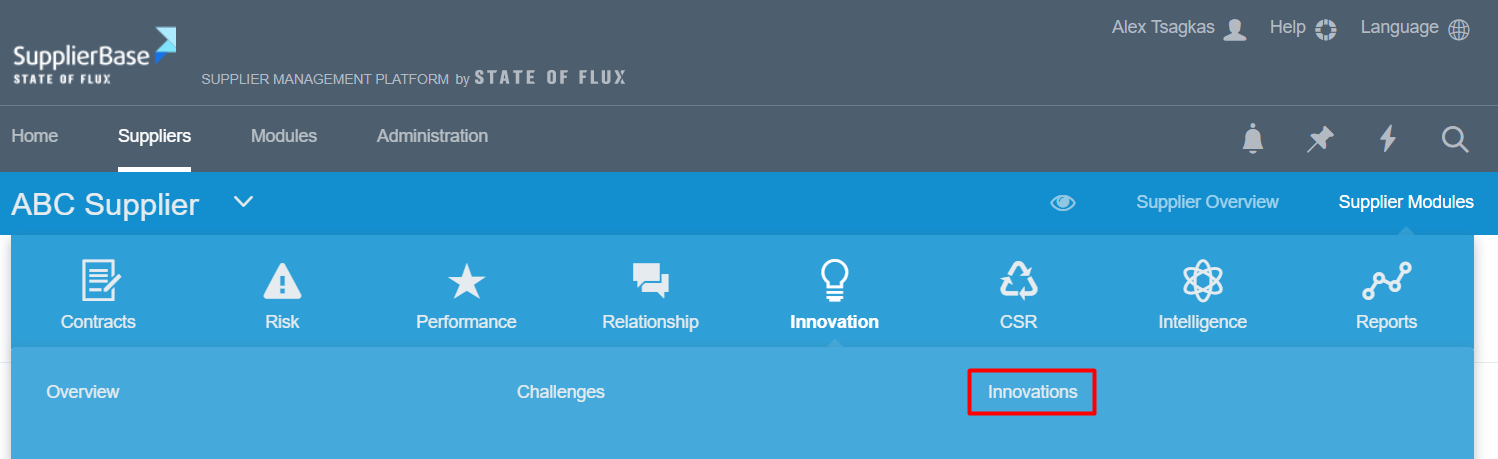
2. On the supplier level, under Supplier Modules > Innovation > Innovations
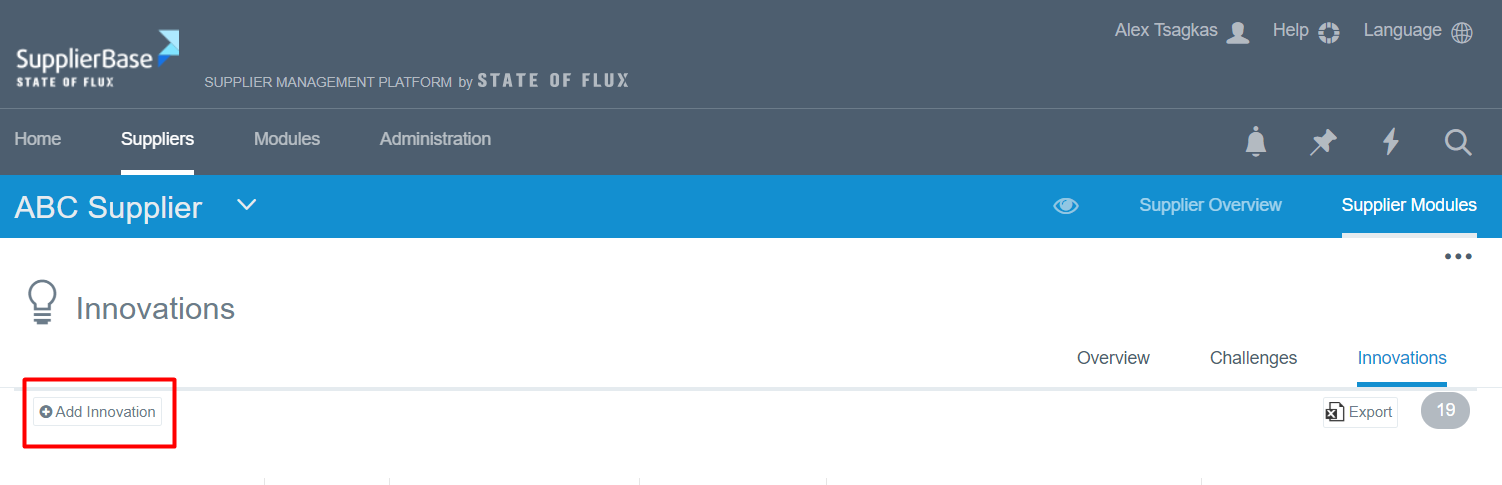
In both pages, you have to click the Add innovation button in order to add the innovation.
Once you click that, you will be redirected to the next screen, in which you have to fill-in all the mandatory fields and click Save.
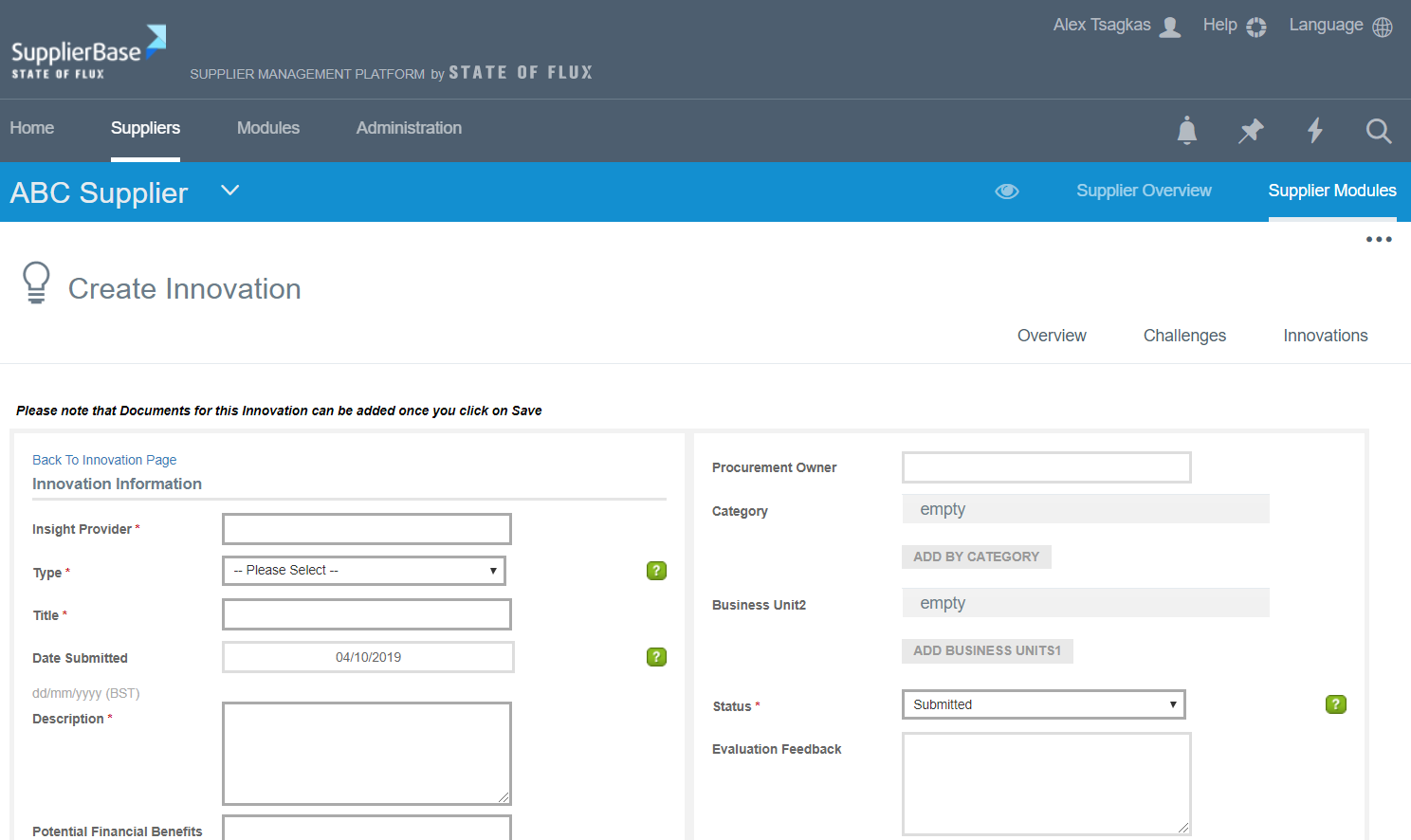
For the fields you have to fill in, please refer to the article "Understanding key fields in Innovations Module".